
In this module, I will walk you through each of the Lambda functions and how they work, upload those functions to AWS, and test their functionality with their respective resources.
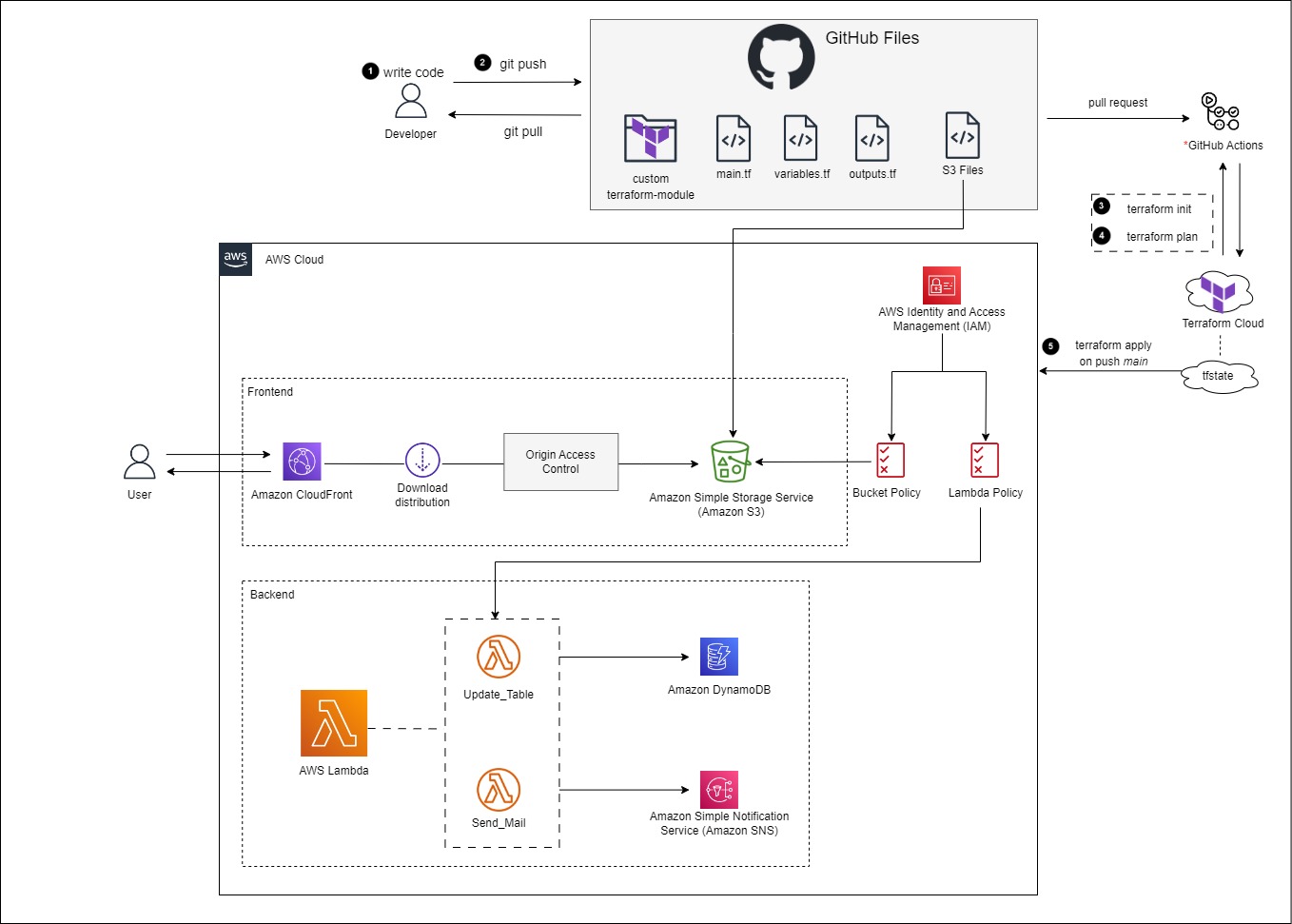
Create a new branch in GitHub
Login to GitHub.
Select the Issues tab > Select New Issue.
Add the a title, e.g. Create Lambda Functions
Select Submit new issue.
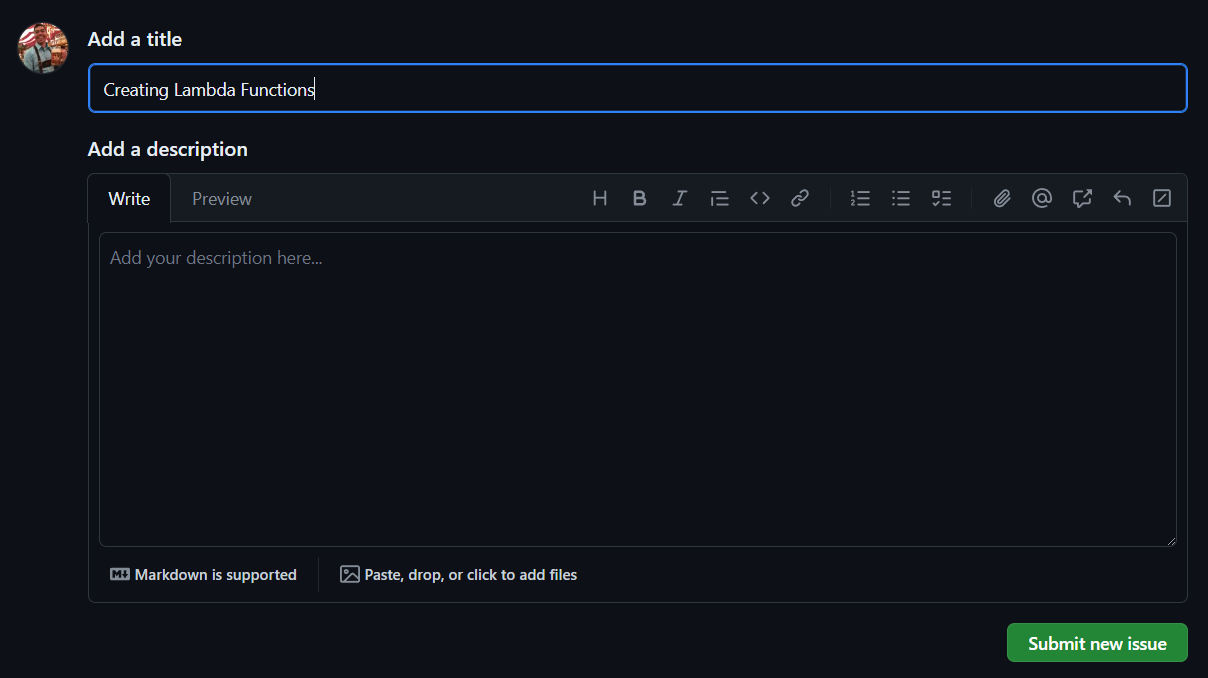
On the right pane, under Development, Select Create a branch.
Leave the defaults > Select Create branch.
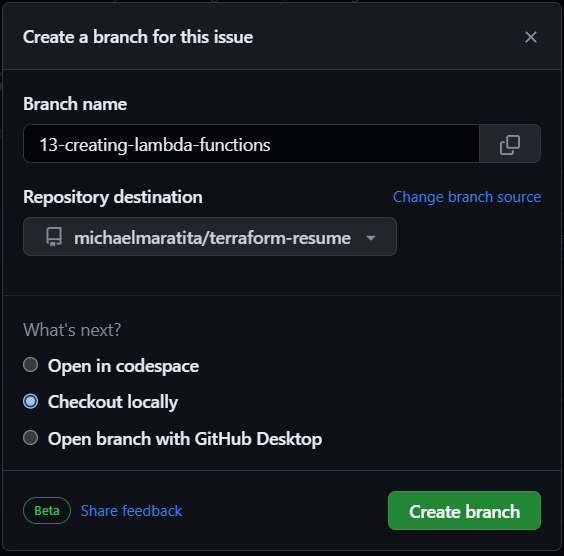
Open your IDE Terminal.
Input the following:
git fetch origin
git checkout YOUR_BRANCH_NAME
How Update_Table works
Update_Table
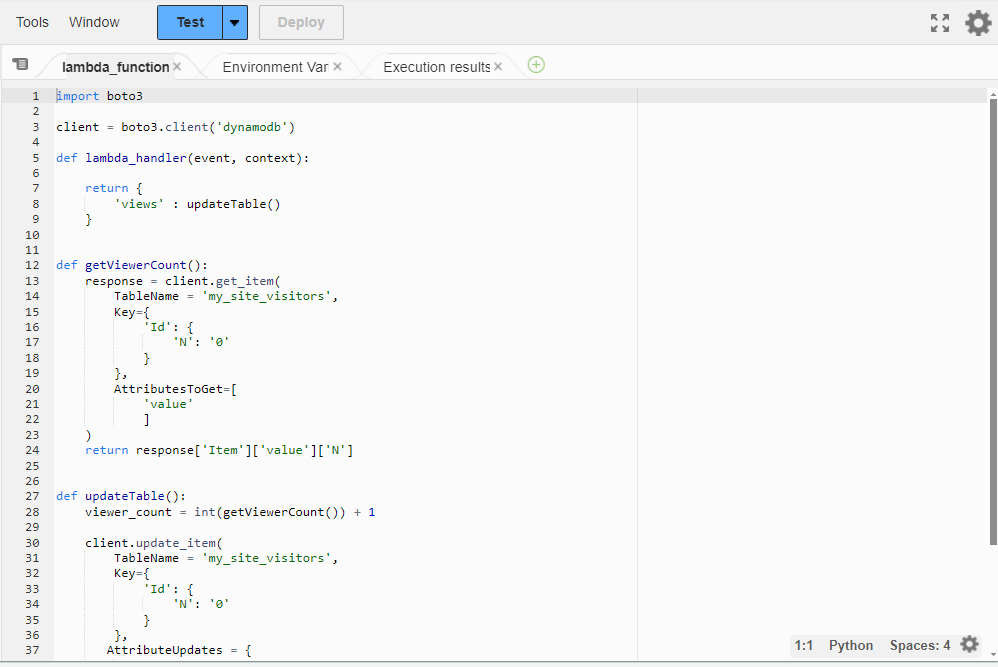
- Locate the lambda_function.py in
./lambda/Update_Table
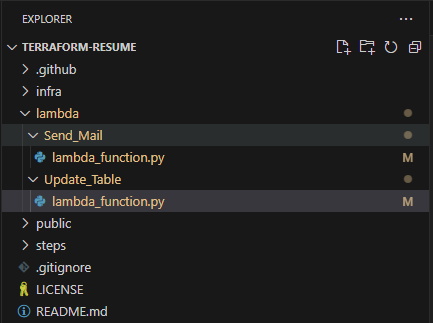
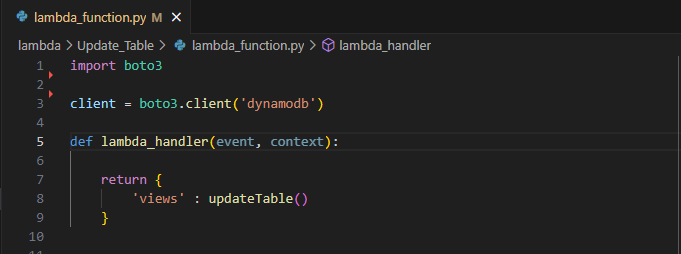
This lambda_function utilizes Boto3, the AWS SDK for Python. At the start of the function, boto3 is imported for use.
clientis defined as a low-level representation of Amazon DynamoDBimport boto3 client = boto3.client('dynamodb')
lambda_handler
Using the default lambda_handler function provided by AWS Lambda, it returns a JSON representation of { 'views': updateTable()}
updateTableis executed and upon completion sends the value returnedFor example, since the function has not been executed yet; upon it's first execution the return value for the lambda_handler will be
{'views': 1}
updateTable
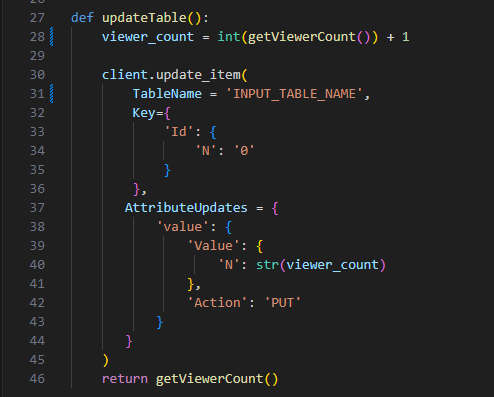
At the start of this function, it defines a viewer_count variable.
The viewer_count calls the getViewerCount function and increments by 1.
By default the table values, even though it is defined as a Number ('N'), are stored as strings. So the value from getViewerCount is converted into an integer so that basic arithmetic can be accomplished.
The
update_itemmethod for the client (boto3.client('dynamodb')) is used to update the DynamoDB table by using the arguments passed for TableName, Key, and AttributeUpdates.In this case, it is updating the
valuetable item to the viewer_count variable.- The viewer_count variable is converted to a string.
Once the table is updated, it calls the getViewerCount function again and returns the value from the DynamoDB table to the lambda_handler.
getViewerCount
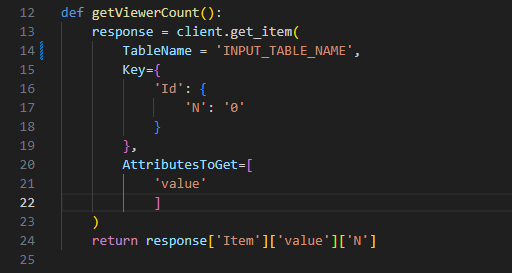
In this function a response variable is defined.
- The
get_itemmethod for the client (boto3.client('dynamodb')) is used to retrieve the value from the defined table.
- The
The return value of the getViewerCount is the actual string value extrapolated using the Item, value, and N keys. I chose this approach because I only wanted the value of
valuepassed, and not the full table values.For visualization of what the return response would look like adding keys each time:
return response
- {'Item': {'value': {'N': '0'}}
return response['Item']
- {'value': {'N': '0'}}
return response['Item']['value']
- {'N': '0'}
return response['Item']['value']['N']
- '0'
Update your lambda_function.py for DynamoDB
Update the getViewerCount and updateTable functions
- Replace
INPUT_TABLE_NAMEwith your actual table name
- Replace
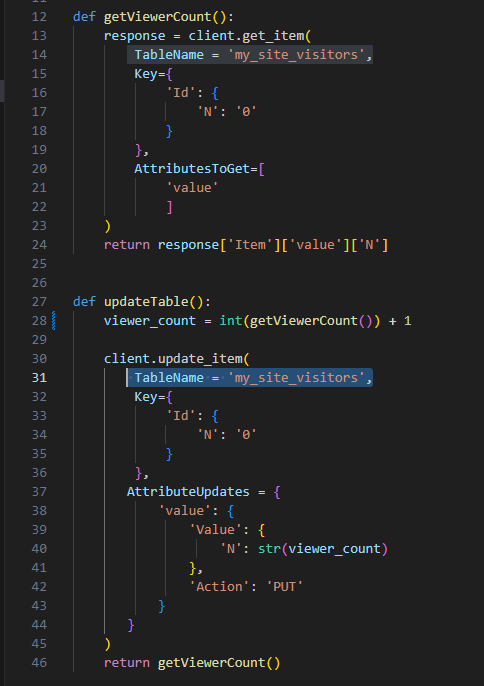
- Save the file
How Send_Mail Works
Send_Mail
- Locate the lambda_function.py in
./lambda/Send_Mail
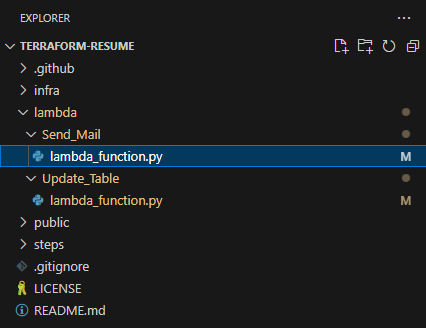
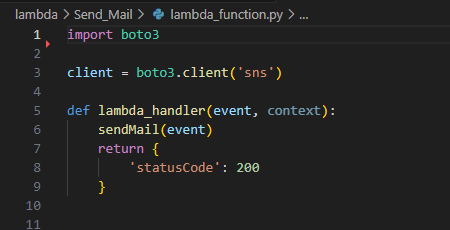
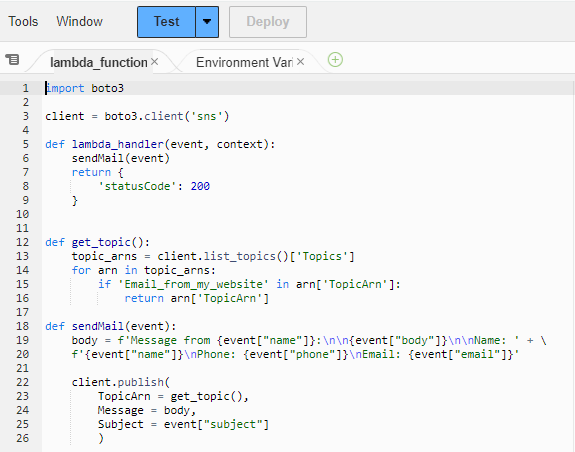
This lambda_function utilizes Boto3, the AWS SDK for Python. At the start of the function, boto3 is imported for use.
clientis defined as a low-level representation of Amazon SNSimport boto3 client = boto3.client('sns')
lambda_handler
Using the default lambda_handler function provided by AWS Lambda, it calls the sendMail function and passes the event JSON data.
The event JSON payload consists of name, email, phone, subject, and body.
Example:
  {
    "name": "John Doe",
    "email": " john.doe@example.com",
    "phone": 0123456,
    "subject": "Call Me!",
    "body": "Hi Anonymous, We'd like to hire you!"
  }
sendMail
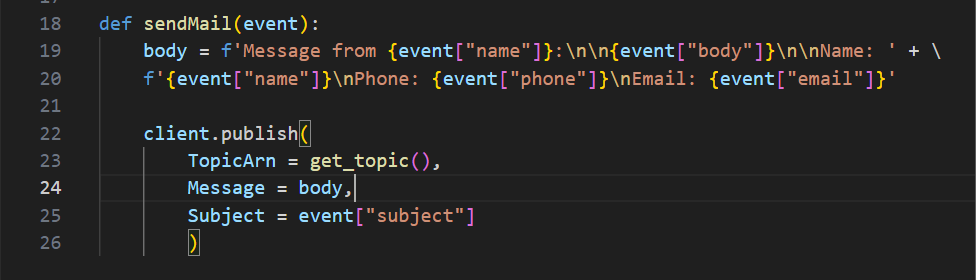
This function starts by defining the body as a formatted string.
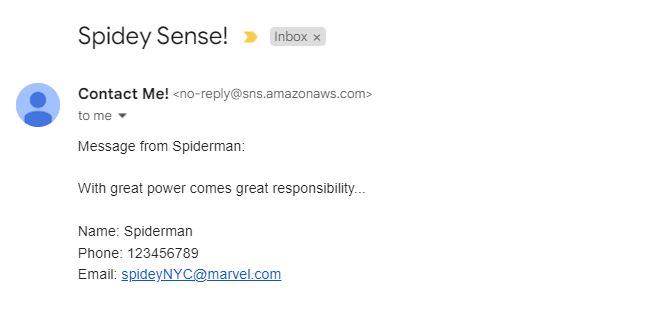
This is what you could expect to see from an email that has the example event JSON data.
  Subject: Call Me!

  Message from John Doe:

  Hi Anonymous, We'd like to hire you!

  Name: John Doe
  Phone: 0123456
  Email: john.doe@example.com
The function then publishes the formatted string as the Message argument.
The TopicARN calls the get_topic function so it publishes the message to that topic/subscription
The subject is defined by the event JSON data; in this case "Call Me!"
get_topic
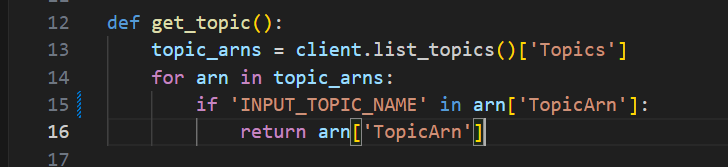
This function defines topic_arns by calling the list_topics method and using the Topics key to get the list of Topic ARNs
The function then uses a for loop to find the Topic ARN to use to publish the message
Update your lambda_function.py for SNS
- Input the SNS Topic name in the get_topic function

- Save the file
Modifying lambda
In this section you will be modifying the main, variables and outputs Terraform files located in ./infra/modules/aws/lambda/.
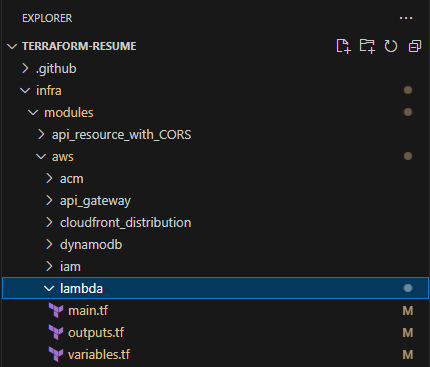
main.tf
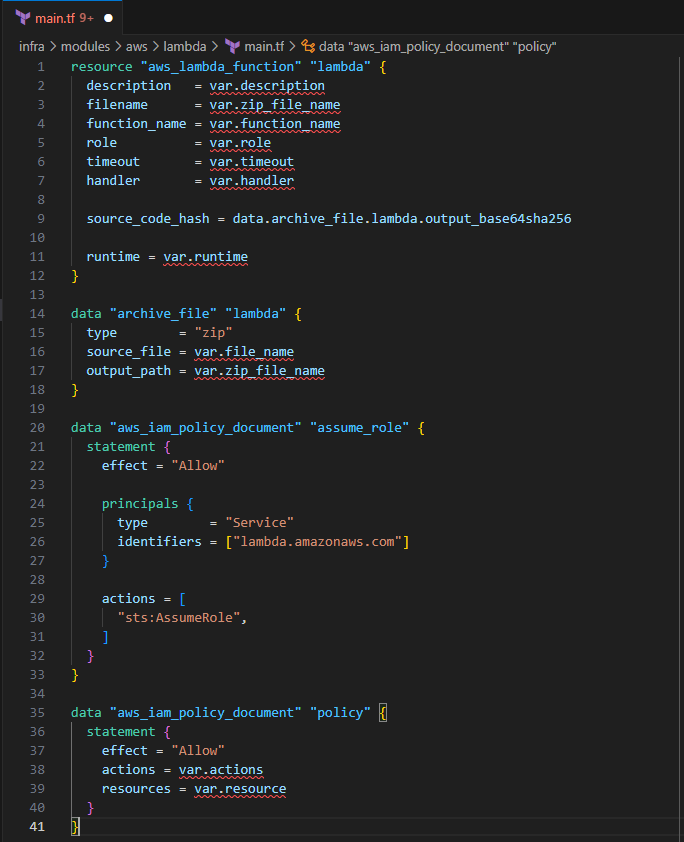
Input the following to create the Lambda function
  resource "aws_lambda_function" "lambda" {
    description   = var.description
    filename      = var.zip_file_name
    function_name = var.function_name
    role          = var.role
    timeout       = var.timeout
    handler       = var.handler

    source_code_hash = data.archive_file.lambda.output_base64sha256

    runtime = var.runtime
  }
This will create the Lambda function using the defined variables
The Lambda function requires a zip file to be created for the file_name argument
Input the following to create a zip file of the lambda_function.py
  data "archive_file" "lambda" {
    type        = "zip"
    source_file = var.file_name
    output_path = var.zip_file_name
  }
For the Lambda function to interact with DynamoDB and SNS, you'll have to give it the proper permissions.
Input the following to grant Lambda the sts:AssumeRole and Allow actions policies
  data "aws_iam_policy_document" "assume_role" {
    statement {
      effect = "Allow"

      principals {
        type        = "Service"
        identifiers = ["lambda.amazonaws.com"]
      }

      actions = [
        "sts:AssumeRole",
      ]
    }
  }

  data "aws_iam_policy_document" "policy" {
    statement {
      effect = "Allow"
      actions = var.actions
      resources = var.resource
    }
  }
Save the file
variables.tf
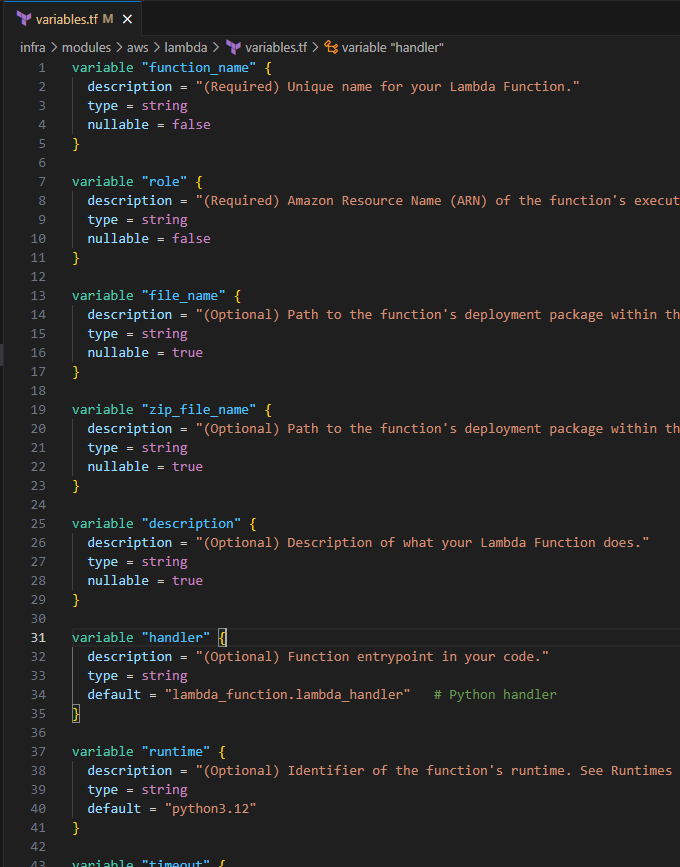
Input the following to define the input variables for the lambda module:
  variable "function_name" {
    description = "(Required) Unique name for your Lambda Function."
    type = string
    nullable = false
  }

  variable "role" {
    description = "(Required) Amazon Resource Name (ARN) of the function's execution role. The role provides the function's identity and access to AWS services and resources."
    type = string
    nullable = false
  }

  variable "file_name" {
    description = "(Optional) Path to the function's deployment package within the local filesystem. Exactly one of filename, image_uri, or s3_bucket must be specified."
    type = string
    nullable = true
  }

  variable "zip_file_name" {
    description = "(Optional) Path to the function's deployment package within the local filesystem. Exactly one of filename, image_uri, or s3_bucket must be specified."
    type = string
    nullable = true
  }

  variable "description" {
    description = "(Optional) Description of what your Lambda Function does."
    type = string
    nullable = true
  }

  variable "handler" {
    description = "(Optional) Function entrypoint in your code."
    type = string
    default = "lambda_function.lambda_handler"   # Python handler
  }

  variable "runtime" {
    description = "(Optional) Identifier of the function's runtime. See Runtimes for valid values."
    type = string
    default = "python3.12"
  }

  variable "timeout" {
    description = "Optional) Amount of time your Lambda Function has to run in seconds. Defaults to 3. See Limits."
    type = number
    default = 600
  }

  variable "actions" {
    description = "Include a list of actions that the policy allows or denies."
    type = list(string)
  }

  variable "resource" {
    description = "(Required in only some circumstances) – If you create an IAM permissions policy, you must specify a list of resources to which the actions apply. If you create a resource-based policy, this element is optional. If you do not include this element, then the resource to which the action applies is the resource to which the policy is attached."
    type = list(string)
  }
Save the file
outputs.tf
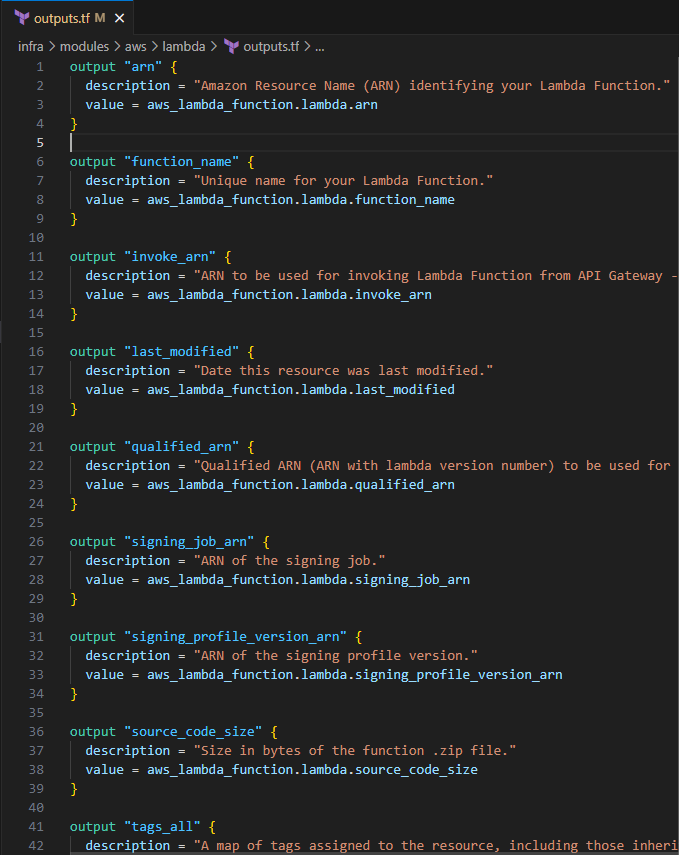
Input the following to define the outputs for the Lambda module
  output "arn" {
    description = "Amazon Resource Name (ARN) identifying your Lambda Function."
    value = aws_lambda_function.lambda.arn
  }

  output "function_name" {
    description = "Unique name for your Lambda Function."
    value = aws_lambda_function.lambda.function_name
  }

  output "invoke_arn" {
    description = "ARN to be used for invoking Lambda Function from API Gateway - to be used in aws_api_gateway_integration's uri"
    value = aws_lambda_function.lambda.invoke_arn
  }

  output "last_modified" {
    description = "Date this resource was last modified."
    value = aws_lambda_function.lambda.last_modified
  }

  output "qualified_arn" {
    description = "Qualified ARN (ARN with lambda version number) to be used for invoking Lambda Function from API Gateway - to be used in aws_api_gateway_integration's uri."
    value = aws_lambda_function.lambda.qualified_arn
  }

  output "signing_job_arn" {
    description = "ARN of the signing job."
    value = aws_lambda_function.lambda.signing_job_arn
  }

  output "signing_profile_version_arn" {
    description = "ARN of the signing profile version."
    value = aws_lambda_function.lambda.signing_profile_version_arn
  }

  output "source_code_size" {
    description = "Size in bytes of the function .zip file."
    value = aws_lambda_function.lambda.source_code_size
  }

  output "tags_all" {
    description = "A map of tags assigned to the resource, including those inherited from the provider default_tags configuration block."
    value = aws_lambda_function.lambda.tags_all
  }

  output "version" {
    description = "Latest published version of your Lambda Function."
    value = aws_lambda_function.lambda.version
  }

  output "assume_role" {
    description = "Lambda AWS sts:AssumeRole"
    value = data.aws_iam_policy_document.assume_role.json
  }

  output "policy" {
    description = "IAM Policy for Lambda function"
    value = data.aws_iam_policy_document.policy.json
  }
Save the file
Modify iam files
In this section you will be modifying the main, variables and outputs Terraform files located in ./infra/modules/aws/iam/. This will define the IAM role for the Lambda functions.
main.tf
Input the following to create the IAM role and policy
  resource "aws_iam_role" "role" {
    name               = "ROL_${var.policy_name}"
    assume_role_policy = var.assume_role
  }

  resource "aws_iam_role_policy" "policy" {
    name = var.policy_name
    role = aws_iam_role.role.id

    policy = var.policy
  }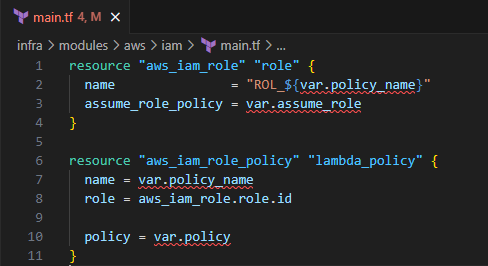
This creates an IAM Role and IAM policy.
Save the file
variables.tf
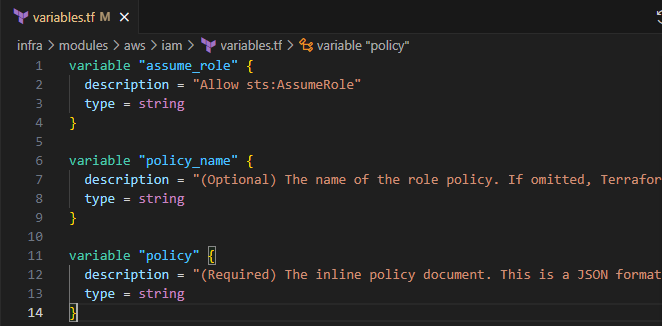
Input the following to create the input variable definitions
  variable "assume_role" {
    description = "Allow sts:AssumeRole"
    type = string
  }

  variable "policy_name" {
    description = "(Optional) The name of the role policy. If omitted, Terraform will assign a random, unique name."
    type = string
  }

  variable "policy" {
    description = "(Required) The inline policy document. This is a JSON formatted string. For more information about building IAM policy documents with Terraform, see the AWS IAM Policy Document Guide"
    type = string
  }
Save the file
outputs.tf
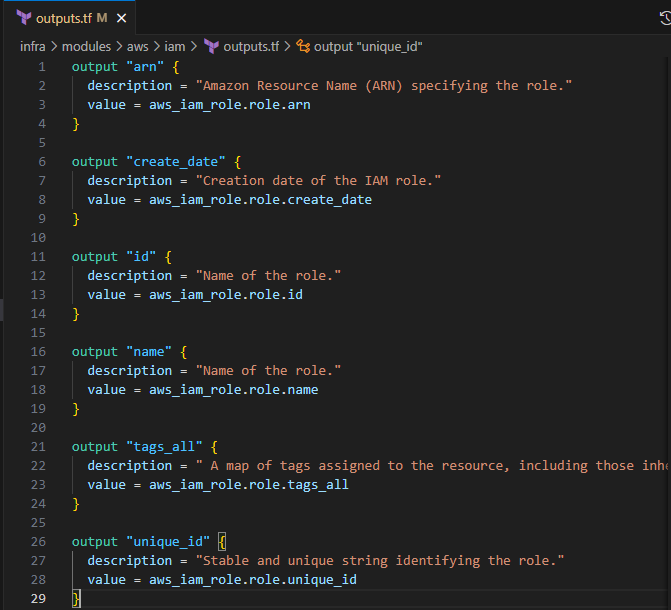
Input the following to define the return values for the IAM module
  output "arn" {
    description = "Amazon Resource Name (ARN) specifying the role."
    value = aws_iam_role.role.arn
  }

  output "create_date" {
    description = "Creation date of the IAM role."
    value = aws_iam_role.role.create_date
  }

  output "id" {
    description = "Name of the role."
    value = aws_iam_role.role.id
  }

  output "name" {
    description = "Name of the role."
    value = aws_iam_role.role.name
  }

  output "tags_all" {
    description = " A map of tags assigned to the resource, including those inherited from the provider default_tags configuration block."
    value = aws_iam_role.role.tags_all
  }

  output "unique_id" {
    description = "Stable and unique string identifying the role."
    value = aws_iam_role.role.unique_id
  }
Save the file
Modify lambda_function files
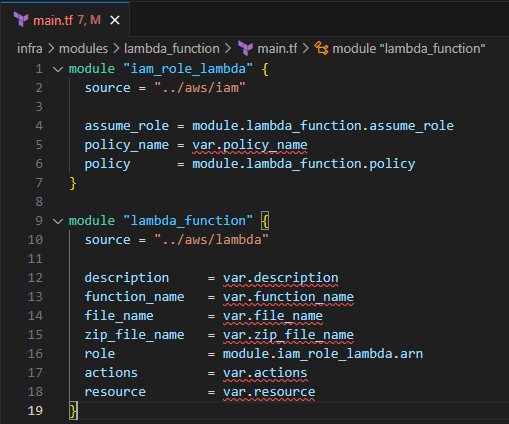
Input the following to create the Lambda function module with the IAM role and policy defined.
  module "iam_role_lambda" {
    source = "../aws/iam"

    assume_role = module.lambda_function.assume_role
    policy_name = var.policy_name
    policy      = module.lambda_function.policy
  }

  module "lambda_function" {
    source = "../aws/lambda"

    description     = var.description
    function_name   = var.function_name
    file_name       = var.file_name
    zip_file_name   = var.zip_file_name
    role            = module.iam_role_lambda.arn
    actions         = var.actions
    resource        = var.resource
  }
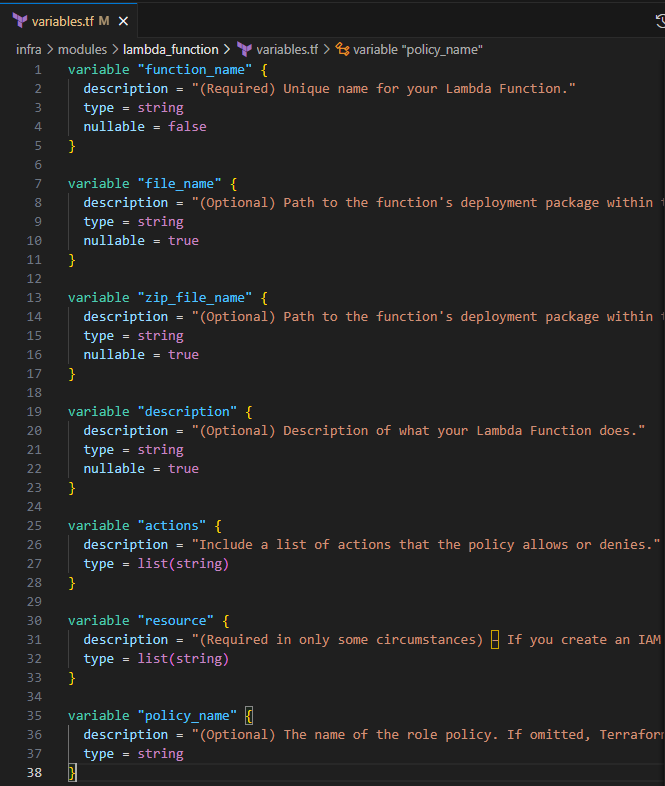
variables.tf
Input the following to create the input variables for the lamdba_function module
  variable "function_name" {
    description = "(Required) Unique name for your Lambda Function."
    type = string
    nullable = false
  }

  variable "file_name" {
    description = "(Optional) Path to the function's deployment package within the local filesystem. Exactly one of filename, image_uri, or s3_bucket must be specified."
    type = string
    nullable = true
  }

  variable "zip_file_name" {
    description = "(Optional) Path to the function's deployment package within the local filesystem. Exactly one of filename, image_uri, or s3_bucket must be specified."
    type = string
    nullable = true
  }

  variable "description" {
    description = "(Optional) Description of what your Lambda Function does."
    type = string
    nullable = true
  }

  variable "actions" {
    description = "Include a list of actions that the policy allows or denies."
    type = list(string)
  }

  variable "resource" {
    description = "(Required in only some circumstances) – If you create an IAM permissions policy, you must specify a list of resources to which the actions apply. If you create a resource-based policy, this element is optional. If you do not include this element, then the resource to which the action applies is the resource to which the policy is attached."
    type = list(string)
  }

  variable "policy_name" {
    description = "(Optional) The name of the role policy. If omitted, Terraform will assign a random, unique name."
    type = string
  }
Save the file
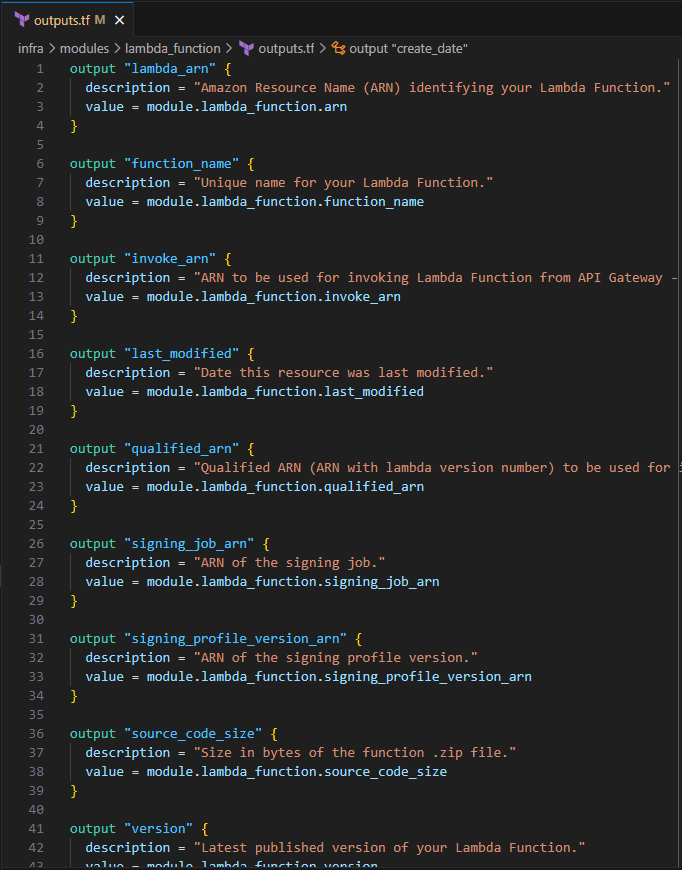
outputs.tf
Input the following to define the return values
  output "lambda_arn" {
    description = "Amazon Resource Name (ARN) identifying your Lambda Function."
    value = module.lambda_function.arn
  }

  output "function_name" {
    description = "Unique name for your Lambda Function."
    value = module.lambda_function.function_name
  }

  output "invoke_arn" {
    description = "ARN to be used for invoking Lambda Function from API Gateway - to be used in aws_api_gateway_integration's uri"
    value = module.lambda_function.invoke_arn
  }

  output "last_modified" {
    description = "Date this resource was last modified."
    value = module.lambda_function.last_modified
  }

  output "qualified_arn" {
    description = "Qualified ARN (ARN with lambda version number) to be used for invoking Lambda Function from API Gateway - to be used in aws_api_gateway_integration's uri."
    value = module.lambda_function.qualified_arn
  }

  output "signing_job_arn" {
    description = "ARN of the signing job."
    value = module.lambda_function.signing_job_arn
  }

  output "signing_profile_version_arn" {
    description = "ARN of the signing profile version."
    value = module.lambda_function.signing_profile_version_arn
  }

  output "source_code_size" {
    description = "Size in bytes of the function .zip file."
    value = module.lambda_function.source_code_size
  }

  output "version" {
    description = "Latest published version of your Lambda Function."
    value = module.lambda_function.version
  }

  output "assume_role" {
    description = "Lambda AWS sts:AssumeRole"
    value = module.lambda_function.assume_role
  }

  output "policy" {
    description = "IAM Policy for Lambda function"
    value = module.lambda_function.policy
  }

  output "iam_role_arn" {
    description = "Amazon Resource Name (ARN) specifying the role."
    value = module.iam_role_lambda.arn
  }

  output "create_date" {
    description = "Creation date of the IAM role."
    value = module.iam_role_lambda.create_date
  }

  output "id" {
    description = "Name of the role."
    value = module.iam_role_lambda.id
  }

  output "name" {
    description = "Name of the role."
    value = module.iam_role_lambda.name
  }

  output "unique_id" {
    description = "Stable and unique string identifying the role."
    value = module.iam_role_lambda.unique_id
  }
Save the file
Modify my_portfolio files
In this section you will update my_portfolio module to include the creation of the Lambda function with the IAM Role and Policy attached.
main.tf
- Include the following to create the DynamoDB and SNS Lambda function
module "lambda_dynamodb" {
  source = "../lambda_function"

  description   = var.dynamodb_description
  function_name = var.dynamodb_function_name
  file_name     = var.dynamodb_function_file
  zip_file_name = var.dynamodb_function_zip
  policy_name   = var.dynamodb_policy_name
  api_gateway_arn = "${module.api.execution_arn}/*/POST${module.api_resource_dynamodb.path}"
  actions       = var.dynamodb_actions

  resource = [module.dynamodb.arn]
}

module "lambda_sns" {
  source = "../lambda_function"

  description     = var.sns_description
  function_name   = var.sns_function_name
  file_name       = var.sns_function_file
  zip_file_name   = var.sns_function_zip
  policy_name     = var.sns_policy_name
  api_gateway_arn = "${module.api.execution_arn}/*/POST${module.api_resource_sns.path}"
  actions         = var.sns_actions

  resource = ["*"]
}
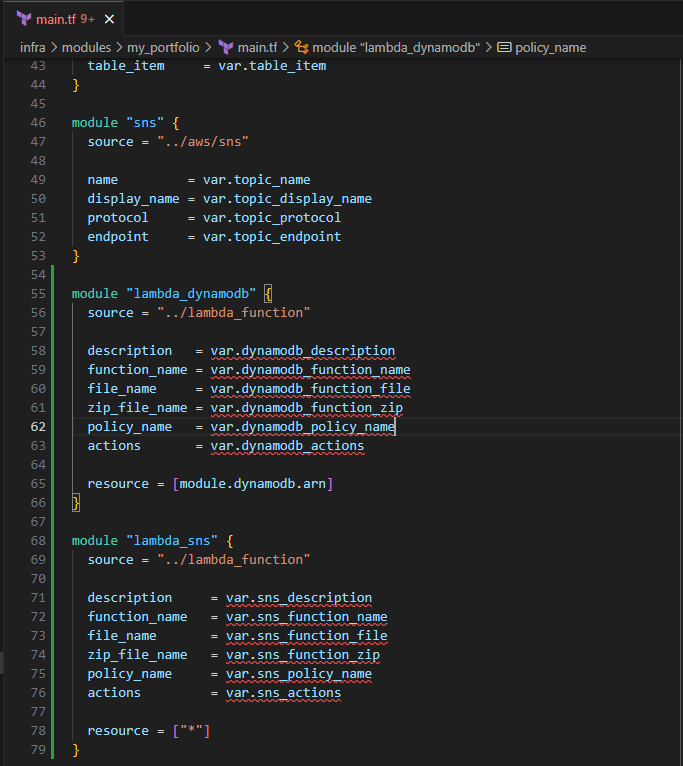
The lambda_function module is called for each of the Lambda functions to be created, and assign the permissions associated with the Lambda function.
- Save the file
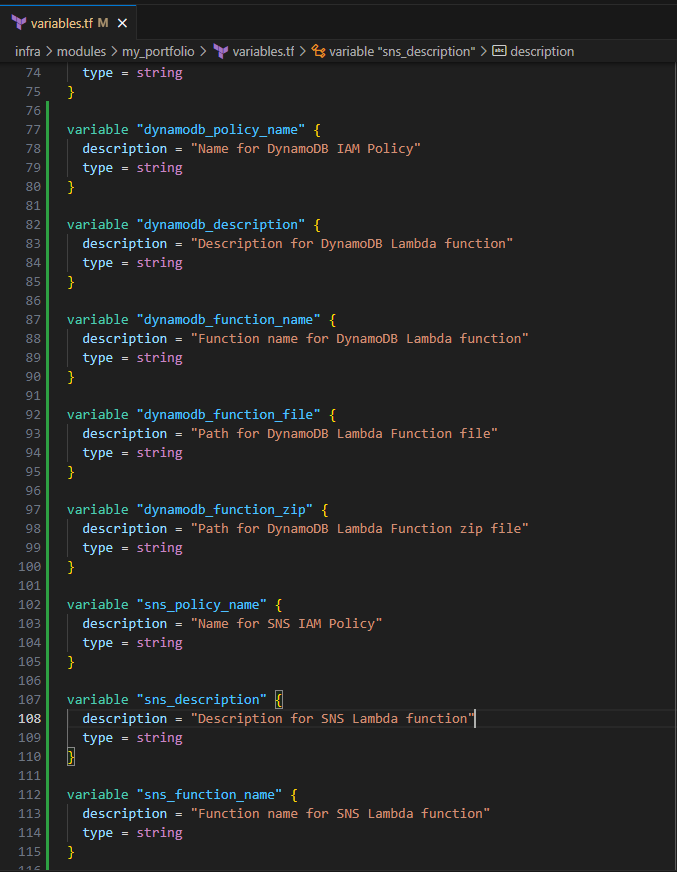
variables.tf
Input the following to define the input variables for the two module blocks:
  variable "dynamodb_policy_name" {
    description = "Name for DynamoDB IAM Policy"
    type = string
  }

  variable "dynamodb_description" {
    description = "Description for DynamoDB Lambda function"
    type = string
  }

  variable "dynamodb_function_name" {
    description = "Function name for DynamoDB Lambda function"
    type = string
  }

  variable "dynamodb_function_file" {
    description = "Path for DynamoDB Lambda Function file"
    type = string
  }

  variable "dynamodb_function_zip" {
    description = "Path for DynamoDB Lambda Function zip file"
    type = string
  }

  variable "sns_policy_name" {
    description = "Name for SNS IAM Policy"
    type = string
  }

  variable "sns_description" {
    description = "Description for SNS Lambda function"
    type = string
  }

  variable "sns_function_name" {
    description = "Function name for SNS Lambda function"
    type = string
  }

  variable "sns_function_file" {
    description = "Path for SNS Lambda Function file"
    type = string
  }

  variable "sns_function_zip" {
    description = "Path for SNS Lambda Function zip file"
    type = string
  }

  variable "dynamodb_actions" {
    description = "Allowable actions for Lambda on DynamoDB resource"
    type = list(string)
  }

  variable "sns_actions" {
    description = "Allowable actions for Lambda on SNS resource"
    type = list(string)
  }
Save the file
There is no requirement to define the outputs for lambda function, but you can include the outputs for each of the module blocks.
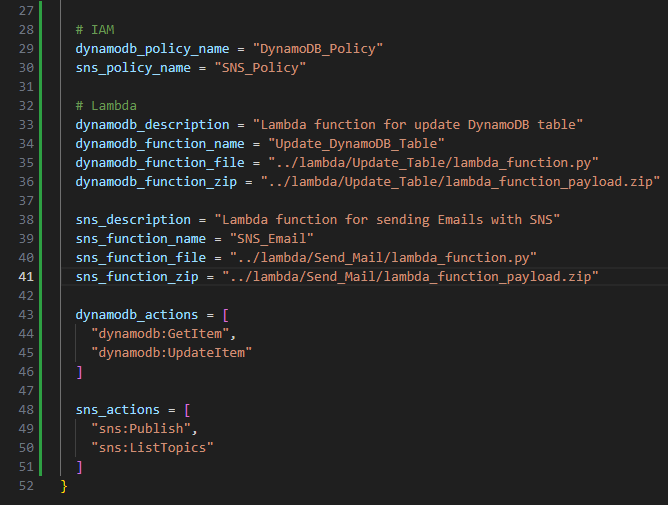
Modify ./infra/main.tf
- Input the following to define the input variables for the Lambda function module blocks for my_portfolio
 # IAM
  dynamodb_policy_name = "DynamoDB_Policy"
  sns_policy_name = "SNS_Policy"

  # Lambda
  dynamodb_description = "Lambda function for update DynamoDB table"
  dynamodb_function_name = "Update_DynamoDB_Table"
  dynamodb_function_file = "../lambda/Update_Table/lambda_function.py"
  dynamodb_function_zip = "../lambda/Update_Table/lambda_function_payload.zip"

  sns_description = "Lambda function for sending Emails with SNS"
  sns_function_name = "SNS_Email"
  sns_function_file = "../lambda/Send_Mail/lambda_function.py"
  sns_function_zip = "../lambda/Send_Mail/lambda_function_payload.zip"

  dynamodb_actions = [
    "dynamodb:GetItem",
    "dynamodb:UpdateItem"
  ]

  sns_actions = [
    "sns:Publish",
    "sns:ListTopics"
  ]
- Save the file
variables.tf and outputs.tf
Since the file_path has been hard coded, you do not have to modify your variables.tf
Optionally, you can include the outputs for these entries.
Pushing to GitHub
Ensure your files are saved.
In your IDE Terminal, type the following:
git add .
Add all files that were changed.
git commit -m "Create lambda functions for DynamoDB and SNS"
Commit the changes with a comment.
git push
Push to GitHub.
Create Pull Request
Login to GitHub.
You should see the push on your repository.
Select Compare and pull request.
Validate the changes that were made to be pushed to
mainSelect Create pull request.
Your Terraform Plan should run before you can merge to main.
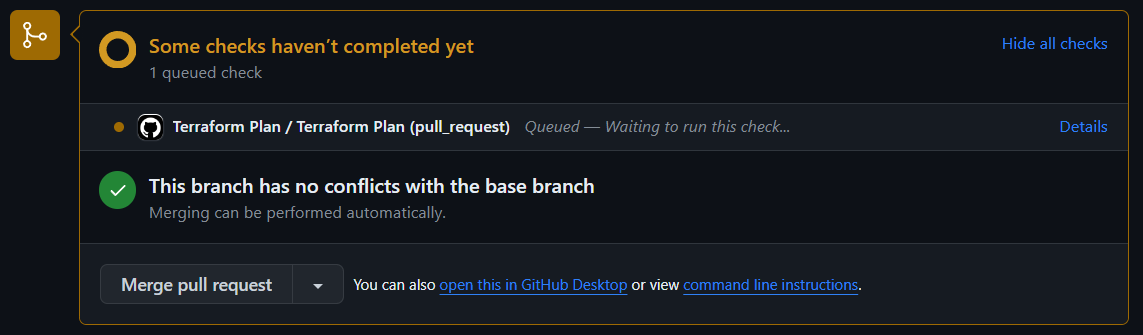
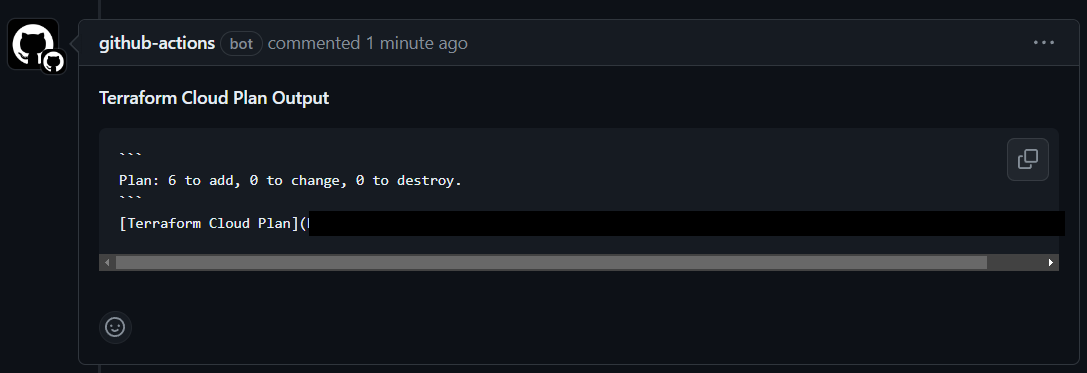
If you are using the same site files from the original template, the plan to add 6 should match.
Select Merge pull request > Confirm merge.
Delete branch.
In your IDE Terminal, type the following:
git checkout main
git pull
Validation:
AWS Management Console:
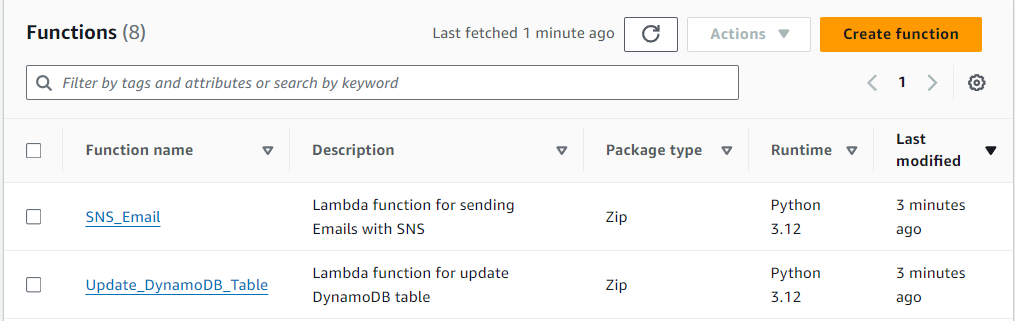
In the Search bar, search for "lambda" > Select Functions
You should see your two Lambda Functions
Update_DynamoDB_Table
Select the Update_DynamoDB_Table function
Select the BLUE Test button
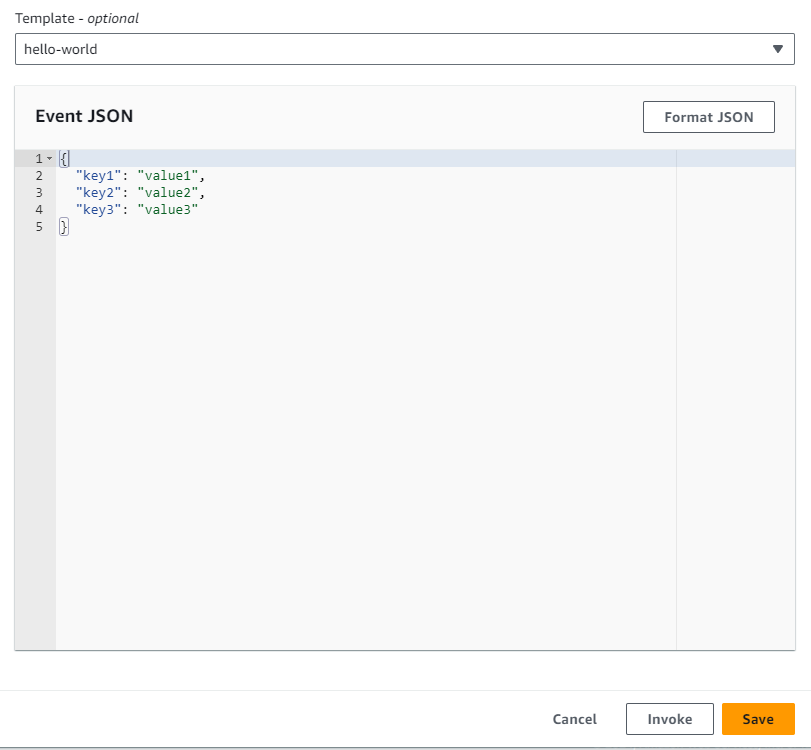
Leave the defaults and select the Invoke button at the bottom
You should see the Execution results like below
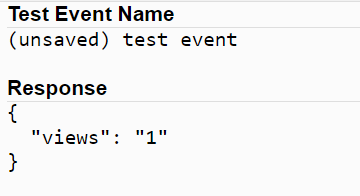
This shows the return value for your DynamoDB table after iterating by 1.
SNS_Email
Select the SNS_Email function
Select the BLUE Test button
- In the Event JSON, input the following:
{
  "name": "Spiderman",
  "email": "spideyNYC@marvel.com",
  "subject": "Spidey Sense!",
  "phone": 123456789,
  "body": "With great power comes great responsibility..."
}
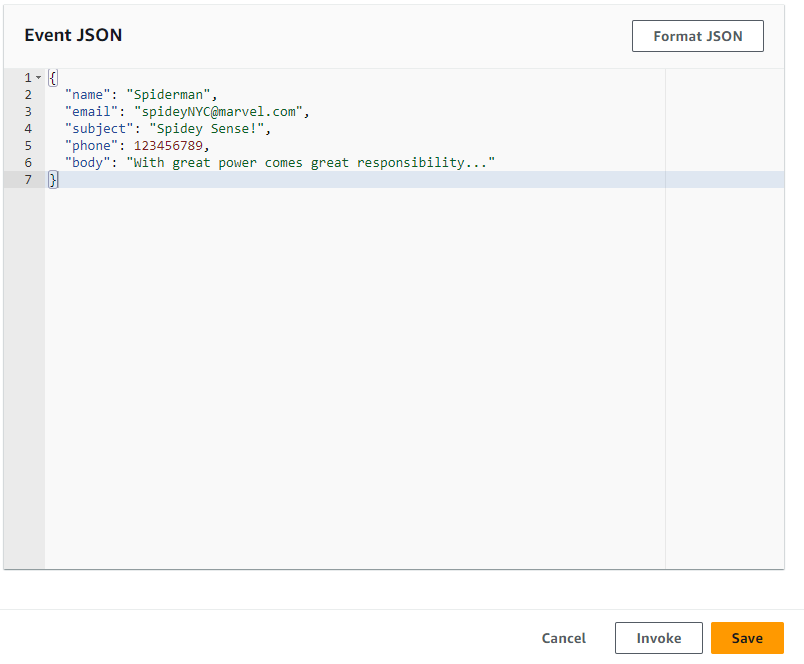
Select the Invoke button at the bottom
You should see the return value like below
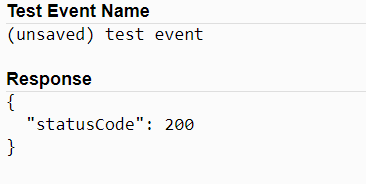
- Check your email. You should receive an email like below.
You have successfully created Lambda functions to interact with DynamoDB and SNS. You tested your functions to ensure they work as expected. Your my_site_visitors table has been incremented by one, and you sent yourself an email via Lambda and SNS. In the next module, you will create an API Gateway. This will tie all your services together to make your site a little better.
About the author
I am a Sr. Windows Administrator looking to sharpen my skills within the cloud space. This blog serves not only as a guide for others to use but also to document my cloud journey.
Comments
Join the discussionNo comments yet. Be the first to comment.
AWS Cloud Resume
In this series, I will outline the steps to integrate a fully functional serverless website hosted on CloudFront using Amazon S3. The implementation deployment will be through Terraform.