11. Cloud Resume Challenge: Configuring Amazon Certificate Manager (ACM) Certificate and Route53 Entries
In this final module, you will create an ACM certificate and Route53 entries for CloudFront and API Gateway using your custom domain name. This will present a more profession website that can be shared with others.
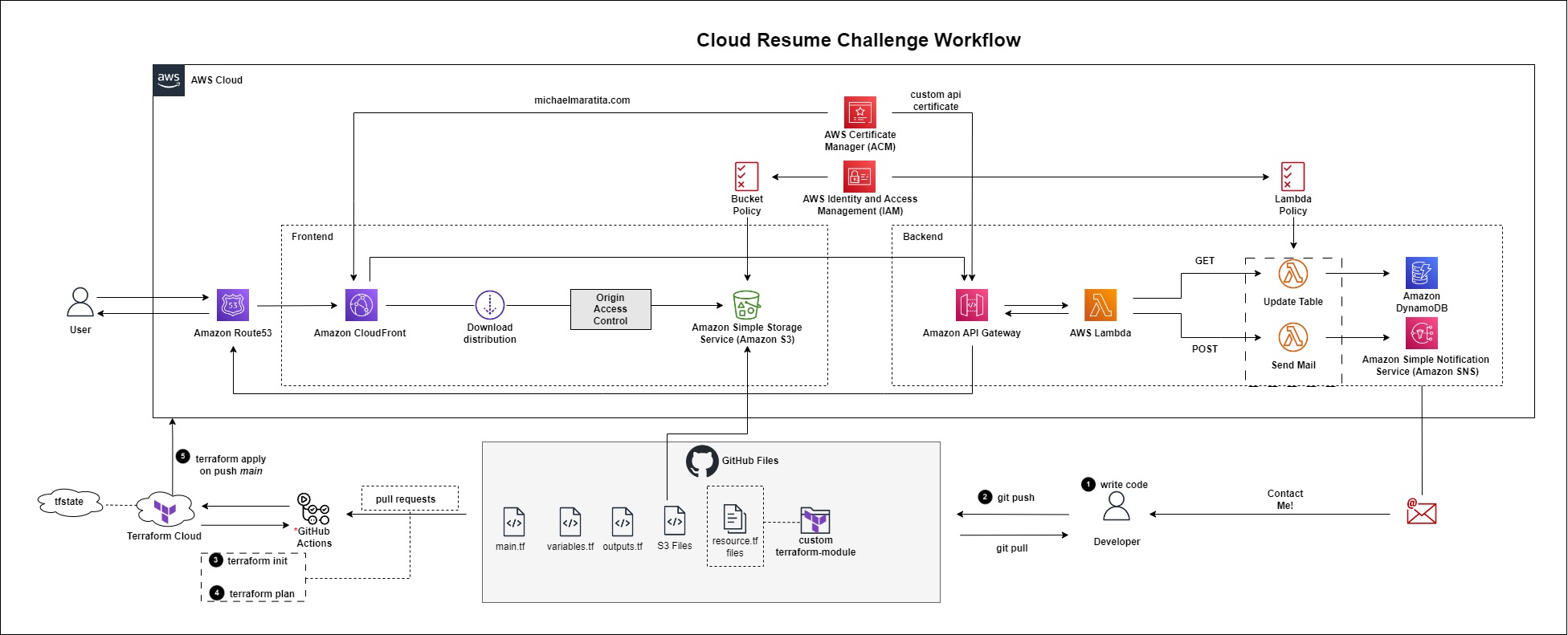
Terraform API Gateway Domain Name Reference
Terraform Route53 Record Reference
Create a new branch in GitHub
Login to GitHub.
Select the Issues tab > Select New Issue.
Add the a title, e.g. Create ACM Certificate and Route53 Entries
Select Submit new issue.

On the right pane, under Development, Select Create a branch.
Leave the defaults > Select Create branch.
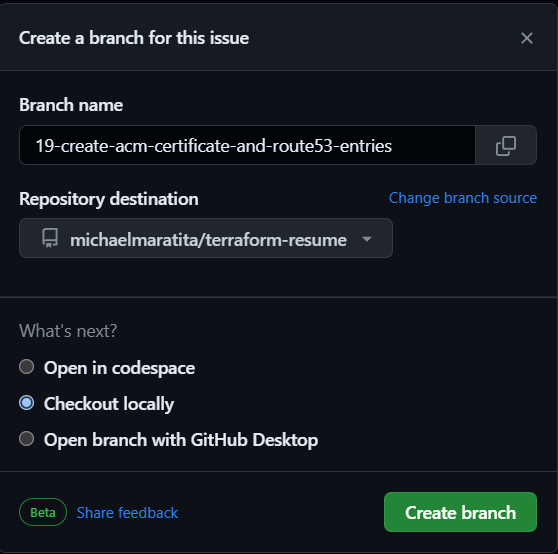
Open your IDE Terminal.
Input the following:
git fetch origin
git checkout YOUR_BRANCH_NAME
Modifying acm files
In this section, you will configure the creation for your Amazon Certificate Manager Certificate. Locate your acm files in ./infra/modules/aws/acm.
main.tf
Input the following to create the ACM certificate
```plaintext provider "aws" { alias = "us-east-1" region = "us-east-1" }
resource "aws_acm_certificate" "cert" { provider = aws.us-east-1 domain_name = var.domain_name subject_alternative_names = var.subject_alternative_names validation_method = var.validation_method
tags = var.tags
lifecycle { create_before_destroy = true } }
resource "aws_acm_certificate_validation" "cert" { provider = aws.us-east-1 certificate_arn = aws_acm_certificate.cert.arn validation_record_fqdns = var.validation_record }

> The requirement for CloudFront to utilize the ACM certificate, it has to be created in the us-east-1 region. The provider block creates an alias for that region so that it can be utilized for CloudFront. The ACM Certificate Validation block automates the DNS validation for the certificate in Route53.
* Save the file
### variables.tf
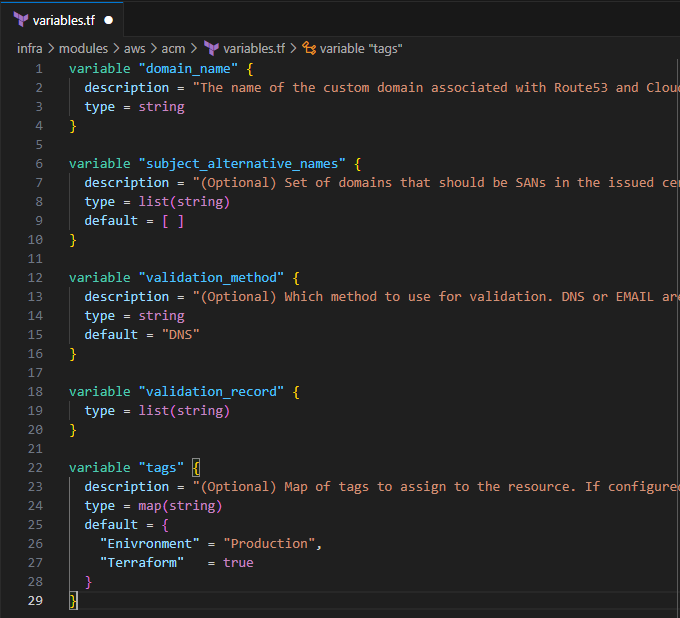
* Input the following to define the input variables for the ACM module:
```plaintext
variable "domain_name" {
description = "The name of the custom domain associated with Route53 and CloudFront"
type = string
}
variable "subject_alternative_names" {
description = "(Optional) Set of domains that should be SANs in the issued certificate. To remove all elements of a previously configured list, set this value equal to an empty list ([]) or use the terraform taint command to trigger recreation."
type = list(string)
default = [ ]
}
variable "validation_method" {
description = "(Optional) Which method to use for validation. DNS or EMAIL are valid. This parameter must not be set for certificates that were imported into ACM and then into Terraform."
type = string
default = "DNS"
}
variable "validation_record" {
type = list(string)
}
variable "tags" {
description = "(Optional) Map of tags to assign to the resource. If configured with a provider default_tags configuration block present, tags with matching keys will overwrite those defined at the provider-level."
type = map(string)
default = {
"Enivronment" = "Production",
"Terraform" = true
}
}
- Save the file
outputs.tf
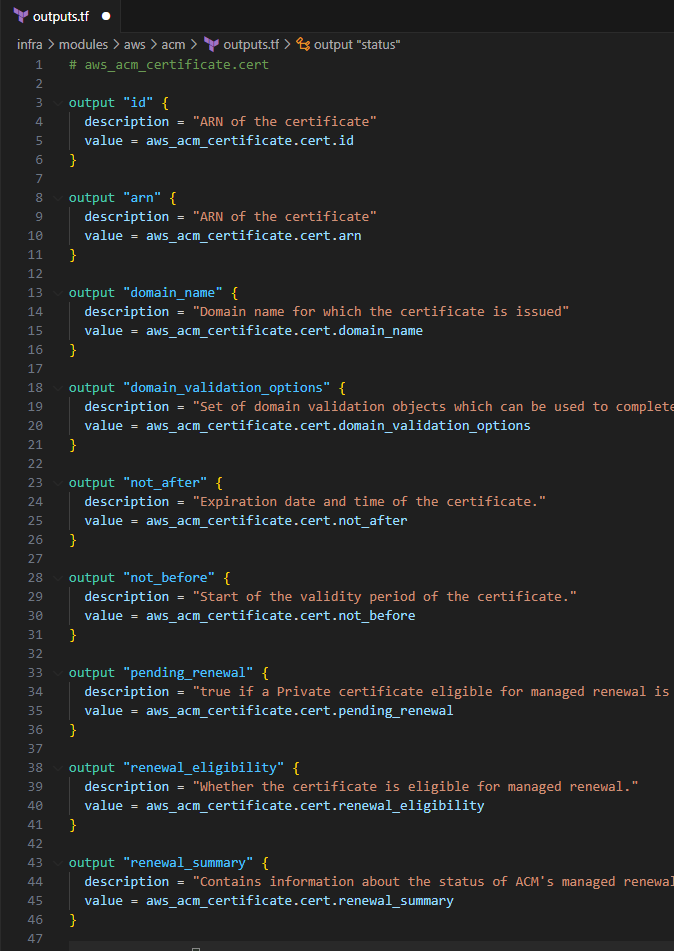
Input the following to define the return values
  # aws_acm_certificate.cert

  output "id" {
    description = "ARN of the certificate"
    value = aws_acm_certificate.cert.id
  }

  output "arn" {
    description = "ARN of the certificate"
    value = aws_acm_certificate.cert.arn
  }

  output "domain_name" {
    description = "Domain name for which the certificate is issued"
    value = aws_acm_certificate.cert.domain_name
  }

  output "domain_validation_options" {
    description = "Set of domain validation objects which can be used to complete certificate validation. Can have more than one element, e.g., if SANs are defined. Only set if DNS-validation was used."
    value = aws_acm_certificate.cert.domain_validation_options
  }

  output "not_after" {
    description = "Expiration date and time of the certificate."
    value = aws_acm_certificate.cert.not_after
  }

  output "not_before" {
    description = "Start of the validity period of the certificate."
    value = aws_acm_certificate.cert.not_before
  }

  output "pending_renewal" {
    description = "true if a Private certificate eligible for managed renewal is within the early_renewal_duration period."
    value = aws_acm_certificate.cert.pending_renewal
  }

  output "renewal_eligibility" {
    description = "Whether the certificate is eligible for managed renewal."
    value = aws_acm_certificate.cert.renewal_eligibility
  }

  output "renewal_summary" {
    description = "Contains information about the status of ACM's managed renewal for the certificate."
    value = aws_acm_certificate.cert.renewal_summary
  }

  output "status" {
    description = "Status of the certificate."
    value = aws_acm_certificate.cert.status
  }

  output "validation_method" {
    description = "(Optional) Which method to use for validation. DNS or EMAIL are valid. This parameter must not be set for certificates that were imported into ACM and then into Terraform."
    value = aws_acm_certificate.cert.validation_method
  }

  output "type" {
    description = "Source of the certificate."
    value = aws_acm_certificate.cert.type
  }

  output "tags_all" {
    description = "Map of tags assigned to the resource, including those inherited from the provider default_tags configuration block."
    value = aws_acm_certificate.cert.tags_all
  }

  output "validation_emails" {
    description = "List of addresses that received a validation email. Only set if EMAIL validation was used."
    value = aws_acm_certificate.cert.validation_emails
  }

  # aws_acm_certificate_validation.cert

  output "validation_certificate_arn" {
    description = "Certificate ARN for Validation certificate from ACM"
    value = aws_acm_certificate_validation.cert.certificate_arn
  }

  output "validation_id" {
    description = "Time at which the certificate was issued"
    value = aws_acm_certificate_validation.cert.id
  }
Save the file
Modifying route53 files
- Locate your terraform files in
./infra/modules/aws/route53.
You will start by creating the validation in Route53 for the ACM certificate.
- Locate your acm_validation folder in your
./infra/modules/aws/route53folder
acm_validation
main.tf
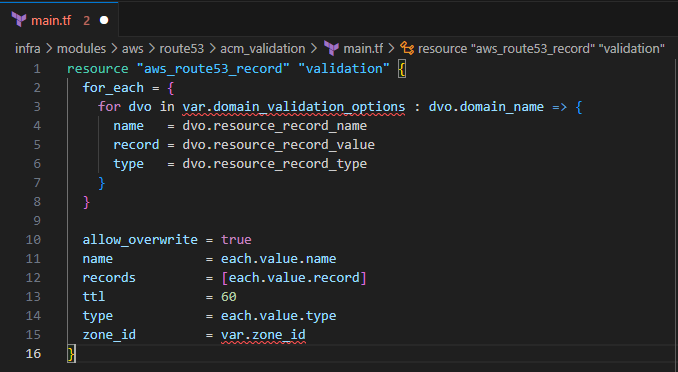
Input the following to create the validation option for your ACM certificate
  resource "aws_route53_record" "validation" {
    for_each = {
      for dvo in var.domain_validation_options : dvo.domain_name => {
        name   = dvo.resource_record_name
        record = dvo.resource_record_value
        type   = dvo.resource_record_type
      }
    }

    allow_overwrite = true
    name            = each.value.name
    records         = [each.value.record]
    ttl             = 60
    type            = each.value.type
    zone_id         = var.zone_id
  }
Save the file
variables.tf
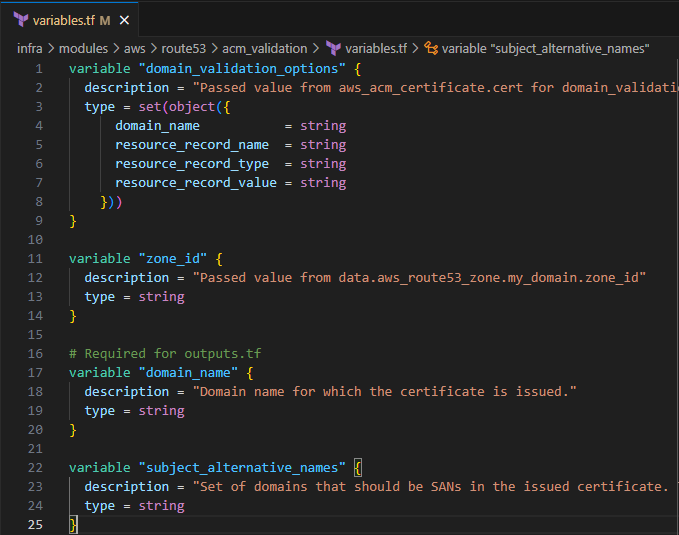
Input the following to create the input variables for this module
  variable "domain_validation_options" {
    description = "Passed value from aws_acm_certificate.cert for domain_validation_options"
    type = set(object({
        domain_name           = string
        resource_record_name  = string
        resource_record_type  = string
        resource_record_value = string
      }))
  }

  variable "zone_id" {
    description = "Passed value from data.aws_route53_zone.my_domain.zone_id"
    type = string
  }

  # Required for outputs.tf
  variable "domain_name" {
    description = "Domain name for which the certificate is issued."
    type = string
  }

  variable "subject_alternative_names" {
    description = "Set of domains that should be SANs in the issued certificate. To remove all elements of a previously configured list, set this value equal to an empty list ([]) or use the terraform taint command to trigger recreation."
    type = string
  }
Save the file
outputs.tf
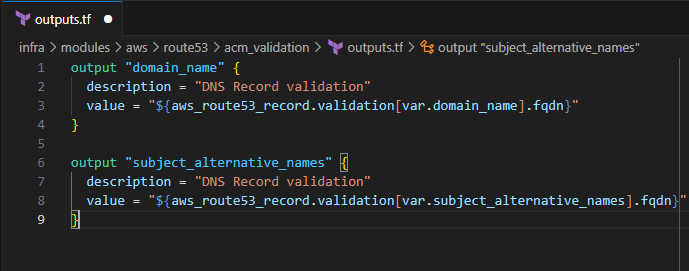
Input the following to define the return variables for the ACM validation
  output "domain_name" {
    description = "DNS Record validation"
    value = "${aws_route53_record.validation[var.domain_name].fqdn}"
  }

  output "subject_alternative_names" {
    description = "DNS Record validation"
    value = "${aws_route53_record.validation[var.subject_alternative_names].fqdn}"
  }
Save the file
route53
In this section, you will create an entry for Route53 "A" records
main.tf
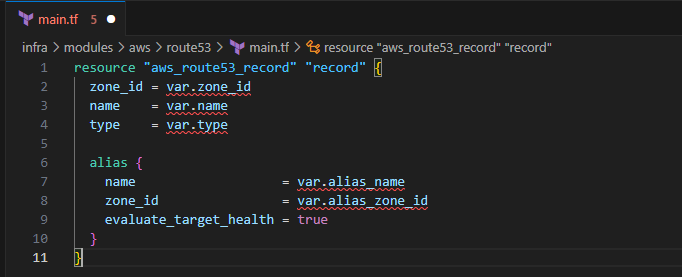
Input the following:
  resource "aws_route53_record" "record" {
    zone_id = var.zone_id
    name    = var.name
    type    = var.type

    alias {
      name                   = var.alias_name
      zone_id                = var.alias_zone_id
      evaluate_target_health = true
    }
  }
Save the file
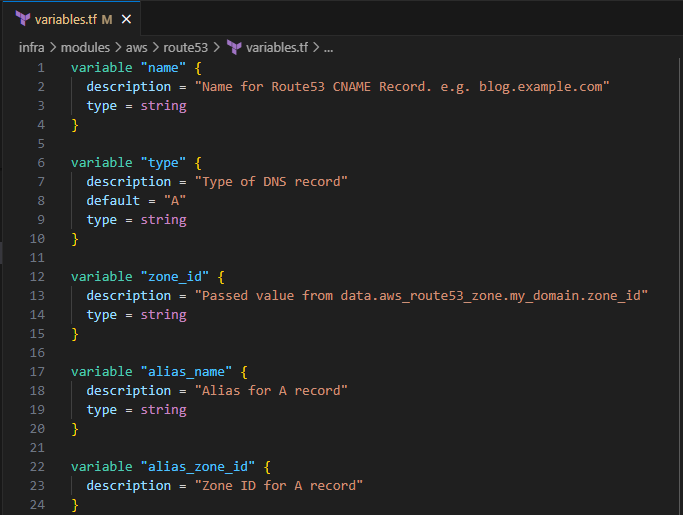
variables.tf
Input the following to define the input variables for the Route53 A record
  variable "name" {
    description = "Name for Route53 CNAME Record. e.g. blog.example.com"
    type = string
  }

  variable "type" {
    description = "Type of DNS record"
    default = "A"
    type = string
  }

  variable "zone_id" {
    description = "Passed value from data.aws_route53_zone.my_domain.zone_id"
    type = string
  }

  variable "alias_name" {
    description = "Alias for A record"
    type = string
  }

  variable "alias_zone_id" {
    description = "Zone ID for A record"
  }
Save the file
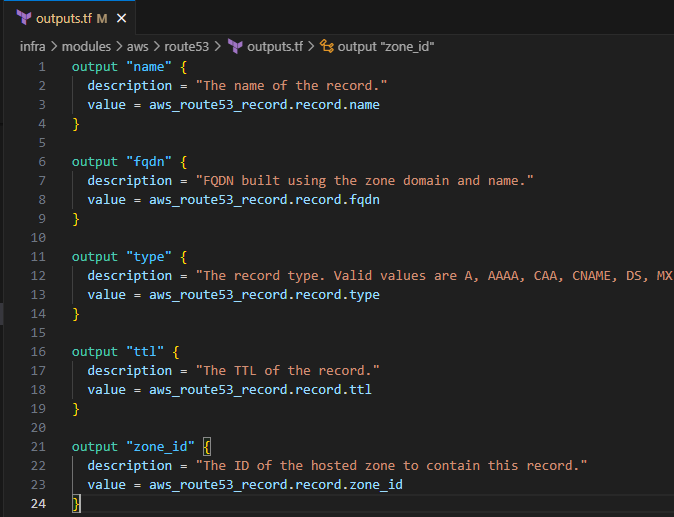
outputs.tf
Input the following to define the return variables
  output "name" {
    description = "The name of the record."
    value = aws_route53_record.record.name
  }

  output "fqdn" {
    description = "FQDN built using the zone domain and name."
    value = aws_route53_record.record.fqdn
  }

  output "type" {
    description = "The record type. Valid values are A, AAAA, CAA, CNAME, DS, MX, NAPTR, NS, PTR, SOA, SPF, SRV and TXT."
    value = aws_route53_record.record.type
  }

  output "ttl" {
    description = "The TTL of the record."
    value = aws_route53_record.record.ttl
  }

  output "zone_id" {
    description = "The ID of the hosted zone to contain this record."
    value = aws_route53_record.record.zone_id
  }
Save the file
Modifying cloudfront_distribution
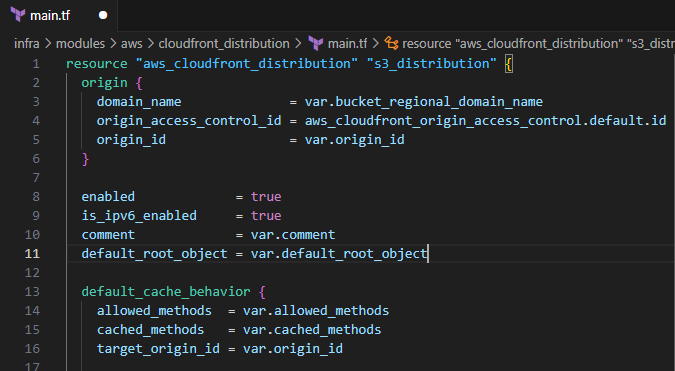
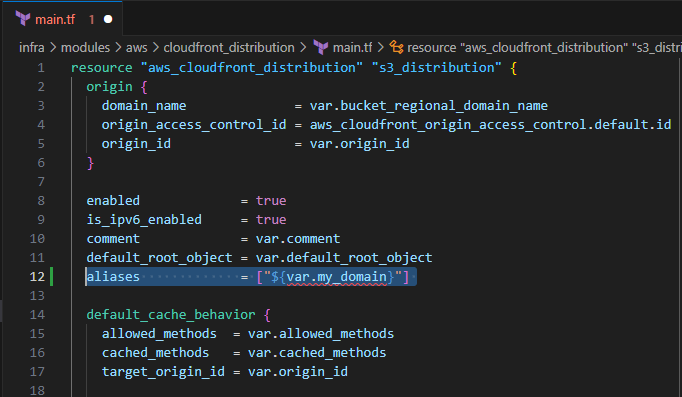
Now that the entries for Route53 have been made, you will need to update your CloudFront distribution and create an alias and change the viewer_certificate. Locate your cloudfront_distribution files in ./infra/modules/aws/cloudfront_distribution
main.tf
Modify main.tf to include the following:
- Alias
aliases = ["${var.my_domain}"]
Before
After
viewer_certificate
  viewer_certificate {
      acm_certificate_arn      = var.valid_certificate_arn
      ssl_support_method       = var.ssl_support_method
      minimum_protocol_version = var.minimum_protocol_version
    }
  }
Before
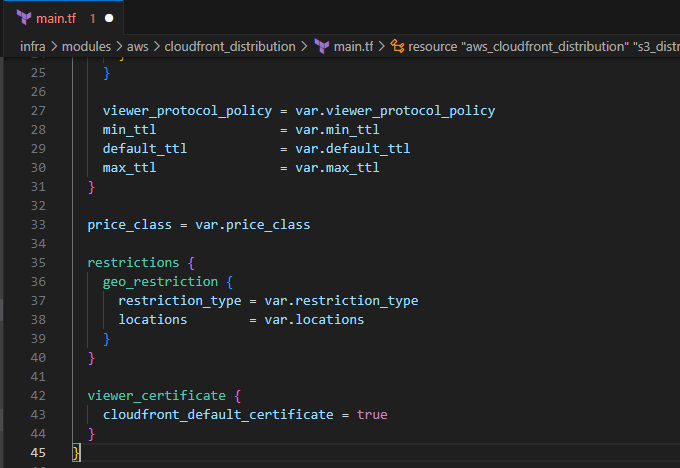
After
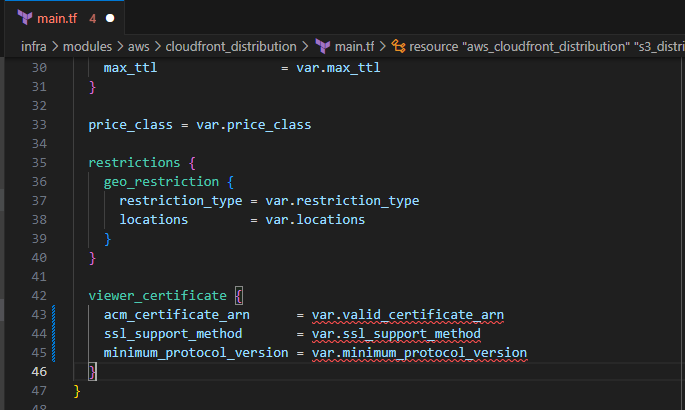
- Save the file
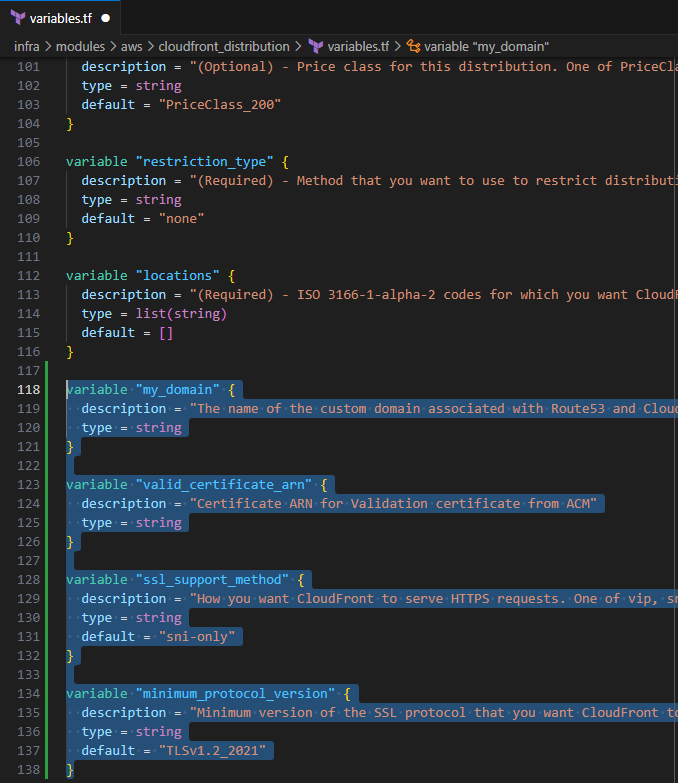
variables.tf
Input the following to define the input variables for the updated values
  variable "my_domain" {
    description = "The name of the custom domain associated with Route53 and CloudFront"
    type = string
  }

  variable "valid_certificate_arn" {
    description = "Certificate ARN for Validation certificate from ACM"
    type = string
  }

  variable "ssl_support_method" {
    description = "How you want CloudFront to serve HTTPS requests. One of vip, sni-only, or static-ip. Required if you specify acm_certificate_arn or iam_certificate_id. NOTE: vip causes CloudFront to use a dedicated IP address and may incur extra charges."
    type = string
    default = "sni-only"
  }

  variable "minimum_protocol_version" {
    description = "Minimum version of the SSL protocol that you want CloudFront to use for HTTPS connections. Can only be set if cloudfront_default_certificate = false. See all possible values in this table under \"Security policy.\" Some examples include: TLSv1.2_2019 and TLSv1.2_2021. Default: TLSv1. NOTE: If you are using a custom certificate (specified with acm_certificate_arn or iam_certificate_id), and have specified sni-only in ssl_support_method, TLSv1 or later must be specified. If you have specified vip in ssl_support_method, only SSLv3 or TLSv1 can be specified. If you have specified cloudfront_default_certificate, TLSv1 must be specified."
    type = string
    default = "TLSv1.2_2021"
  }
Save the file
There are no additional outputs that need to be defined
Modifying s3_cloudfront_site
Because the cloudfront_distribution module has been updated, you will need to update the s3_cloudfront_site module that calls that module.
main.tf
Input the following to update the cloudfront_distribution module
    my_domain                   = var.domain_name
    valid_certificate_arn       = var.certificate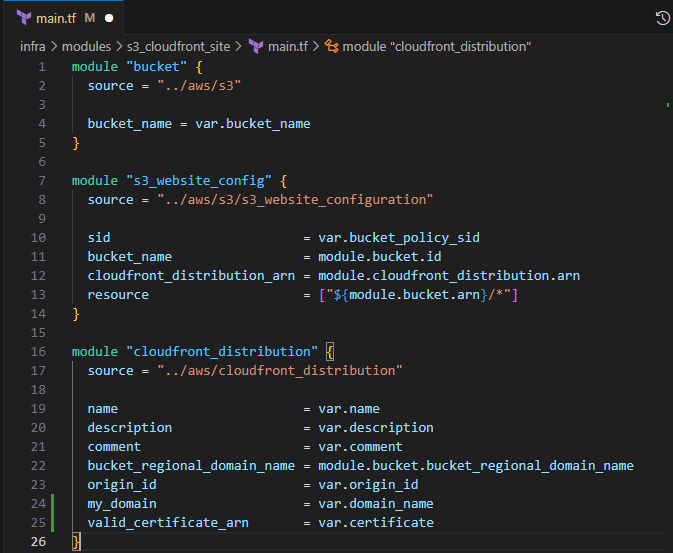
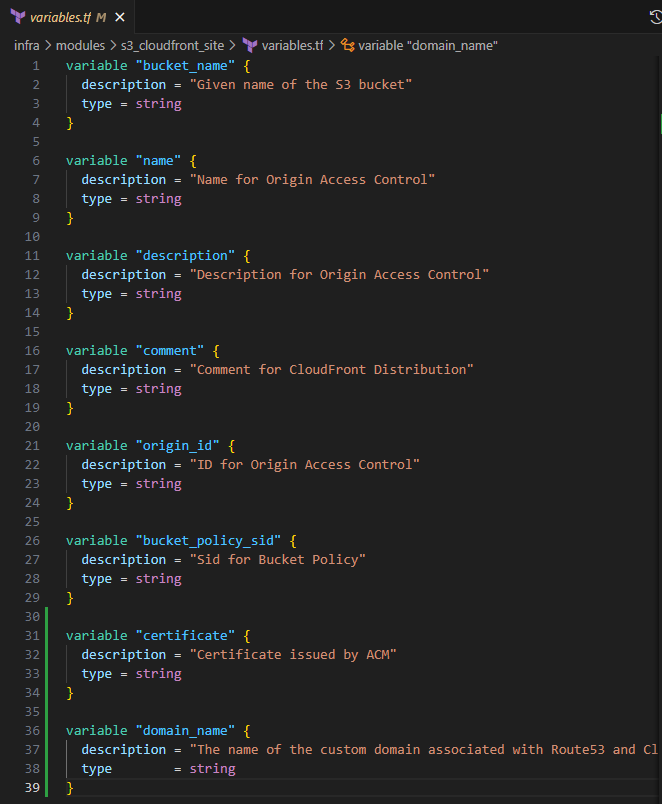
variables.tf
Input the following to include the new input variables
  variable "certificate" {
    description = "Certificate issued by ACM"
    type = string
  }

  variable "domain_name" {
    description = "The name of the custom domain associated with Route53 and CloudFront"
    type        = string
  }
Save the file
There are no additional outputs that need to be defined
Modifying api_gateway_domain
In this section, you will create the custom domain name for your API Gateway. Locate your api_gateway_domain files in ./infra/modules/aws/api_gateway/api_gateway_domain.
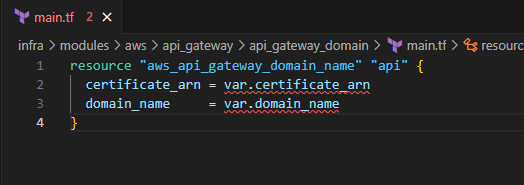
main.tf
Input the following to create an API custom domain
  resource "aws_api_gateway_domain_name" "api" {
    certificate_arn = var.certificate_arn
    domain_name     = var.domain_name
  }
Save the file
variables.tf
Input the following to define the input variables
  variable "certificate_arn" {
    description = "Optional) ARN for an AWS-managed certificate. AWS Certificate Manager is the only supported source. Used when an edge-optimized domain name is desired. Conflicts with certificate_name, certificate_body, certificate_chain, certificate_private_key, regional_certificate_arn, and regional_certificate_name."
    type = string
  }

  variable "domain_name" {
    description = "The name of the custom domain associated with Route53 and CloudFront"
    type = string
  }

- Save the file
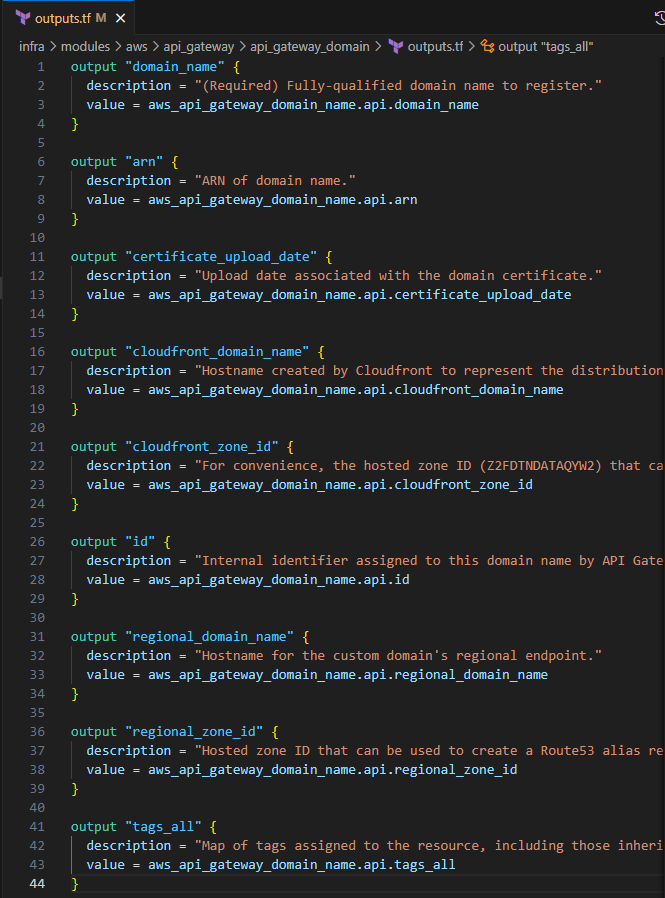
outputs.tf
Input the following to define the return values
  output "domain_name" {
    description = "(Required) Fully-qualified domain name to register."
    value = aws_api_gateway_domain_name.api.domain_name
  }

  output "arn" {
    description = "ARN of domain name."
    value = aws_api_gateway_domain_name.api.arn
  }

  output "certificate_upload_date" {
    description = "Upload date associated with the domain certificate."
    value = aws_api_gateway_domain_name.api.certificate_upload_date
  }

  output "cloudfront_domain_name" {
    description = "Hostname created by Cloudfront to represent the distribution that implements this domain name mapping."
    value = aws_api_gateway_domain_name.api.cloudfront_domain_name
  }

  output "cloudfront_zone_id" {
    description = "For convenience, the hosted zone ID (Z2FDTNDATAQYW2) that can be used to create a Route53 alias record for the distribution."
    value = aws_api_gateway_domain_name.api.cloudfront_zone_id
  }

  output "id" {
    description = "Internal identifier assigned to this domain name by API Gateway."
    value = aws_api_gateway_domain_name.api.id
  }

  output "regional_domain_name" {
    description = "Hostname for the custom domain's regional endpoint."
    value = aws_api_gateway_domain_name.api.regional_domain_name
  }

  output "regional_zone_id" {
    description = "Hosted zone ID that can be used to create a Route53 alias record for the regional endpoint."
    value = aws_api_gateway_domain_name.api.regional_zone_id
  }

  output "tags_all" {
    description = "Map of tags assigned to the resource, including those inherited from the provider default_tags configuration block."
    value = aws_api_gateway_domain_name.api.tags_all
  }
Save the file
Modifying api_gateway_deployment
In this section, you will point your currently deployed API Gateway to the custom domain name.
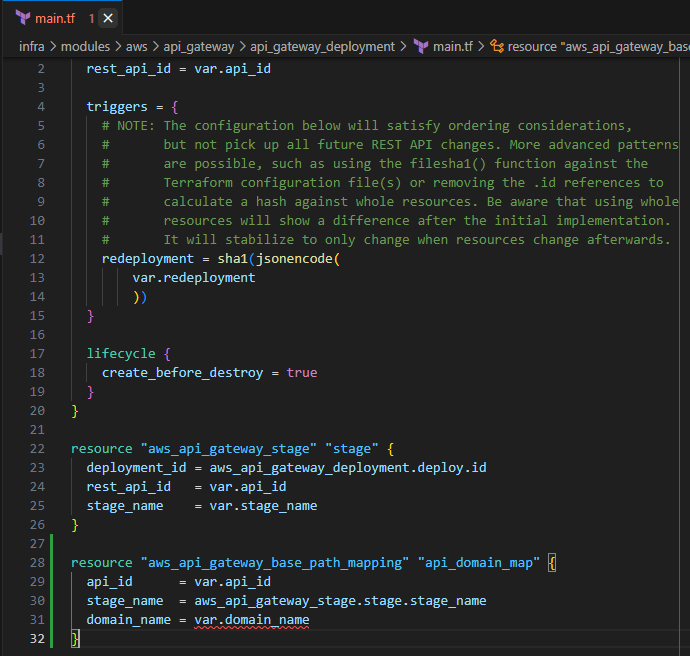
main.tf
Input the following to create the base path mapping for your API Gateway
  resource "aws_api_gateway_base_path_mapping" "api_domain_map" {
    api_id      = var.api_id
    stage_name  = aws_api_gateway_stage.stage.stage_name
    domain_name = var.domain_name
  }
Save the file
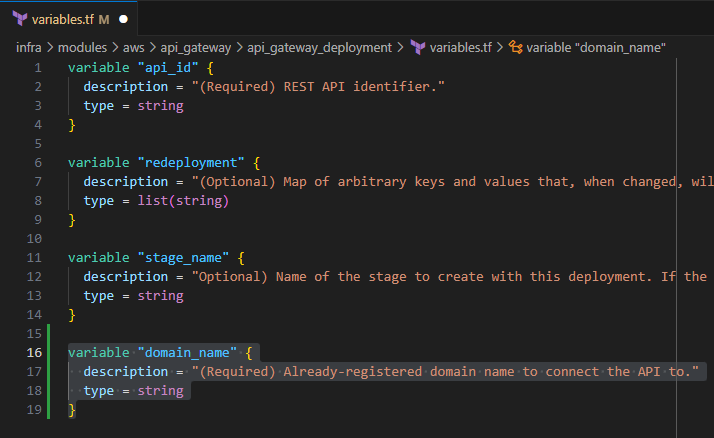
variables.tf
Input the following to define the input variable for domain_name
  variable "domain_name" {
    description = "(Required) Already-registered domain name to connect the API to."
    type = string
  }
Save the file
Modifying my_portfolio
In this section, you will update your static_website module and include entries for the ACM certificate and Route53.
main.tf
Include the following
    domain_name       = var.domain_name
    certificate       = module.acm.validation_certificate_arn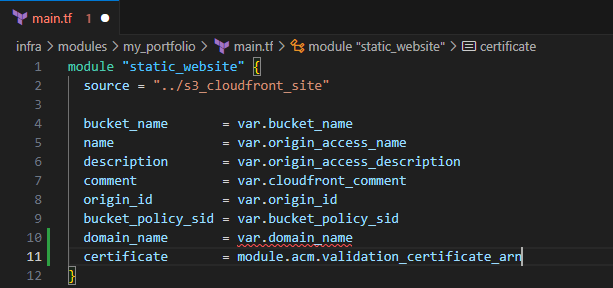
Include the following to update your api_deployment
domain_name = var.api_domain_name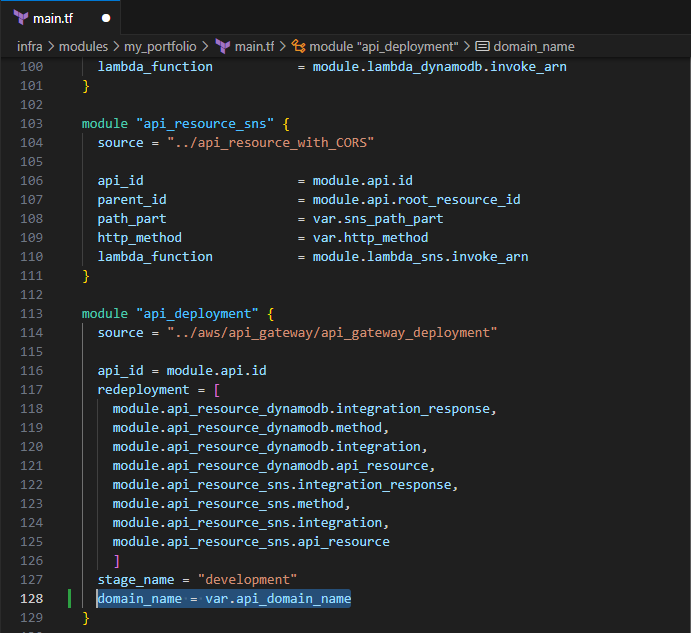
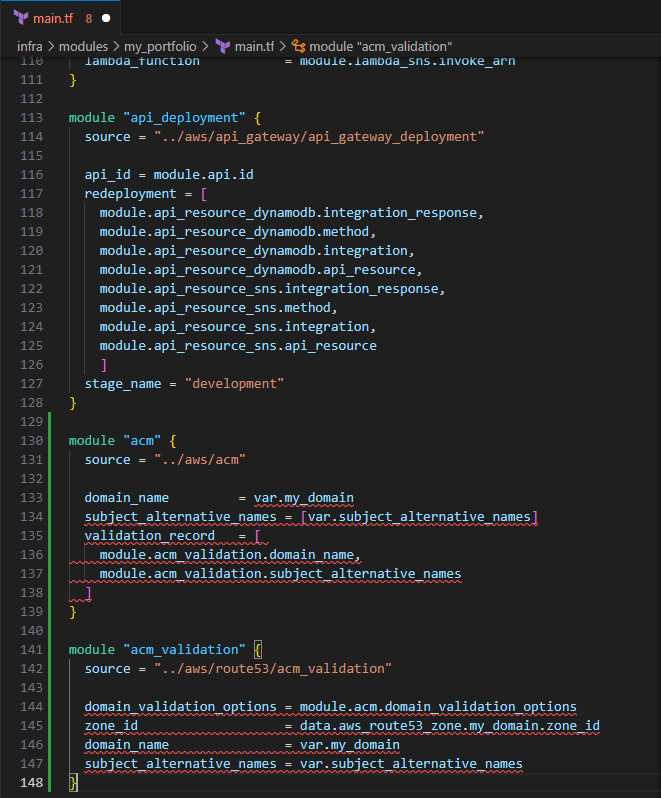
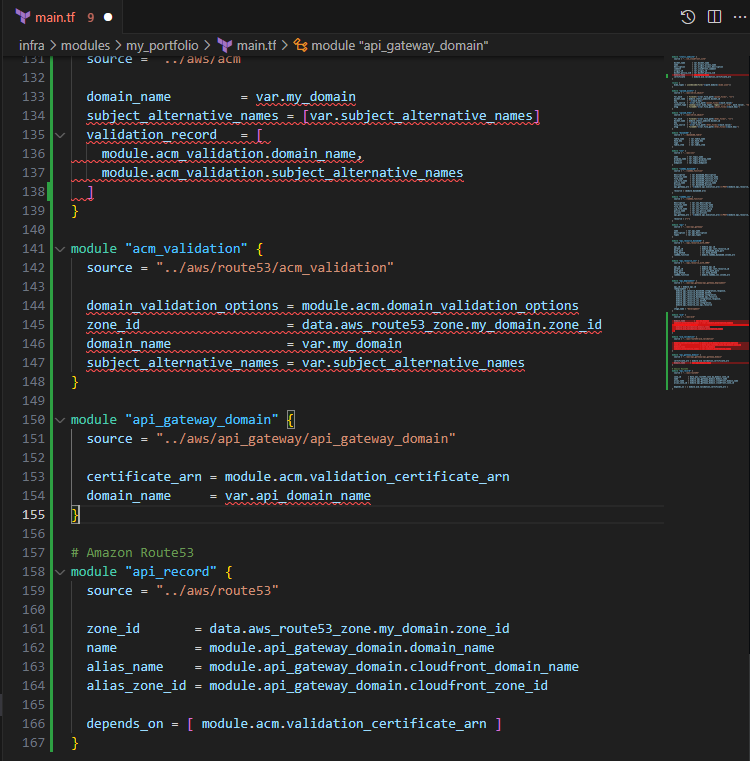
Include the following to create the ACM certificate
  module "acm" {
    source = "../aws/acm"

    domain_name         = var.my_domain
    subject_alternative_names = [var.subject_alternative_names]
    validation_record   = [
      module.acm_validation.domain_name,
      module.acm_validation.subject_alternative_names
    ]
  }

  module "acm_validation" {
    source = "../aws/route53/acm_validation"

    domain_validation_options = module.acm.domain_validation_options
    zone_id                   = data.aws_route53_zone.my_domain.zone_id
    domain_name               = var.my_domain
    subject_alternative_names = var.subject_alternative_names
  }
Input the following to define the API Gateway domain name
  module "api_gateway_domain" {
    source = "../aws/api_gateway/api_gateway_domain"

    certificate_arn = module.acm.validation_certificate_arn
    domain_name     = var.api_domain_name
  }

  # Amazon Route53
  module "api_record" {
    source = "../aws/route53"

    zone_id       = data.aws_route53_zone.my_domain.zone_id
    name          = module.api_gateway_domain.domain_name
    alias_name    = module.api_gateway_domain.cloudfront_domain_name
    alias_zone_id = module.api_gateway_domain.cloudfront_zone_id

    depends_on = [ module.acm.validation_certificate_arn ]
  }
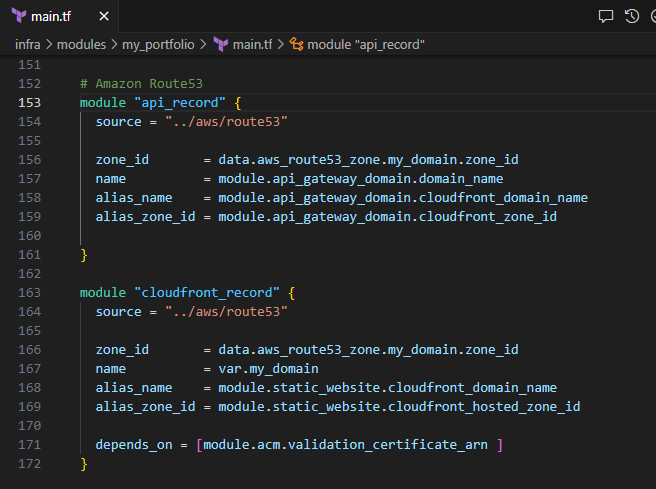
Input the following to define the Route53 record for your CloudFront Distribution
  module "cloudfront_record" {
    source = "../aws/route53"

    zone_id       = data.aws_route53_zone.my_domain.zone_id
    name          = var.my_domain
    alias_name    = module.static_website.cloudfront_domain_name
    alias_zone_id = module.static_website.cloudfront_hosted_zone_id

    depends_on = [module.acm.validation_certificate_arn ]
  }
Save the file
variables.tf
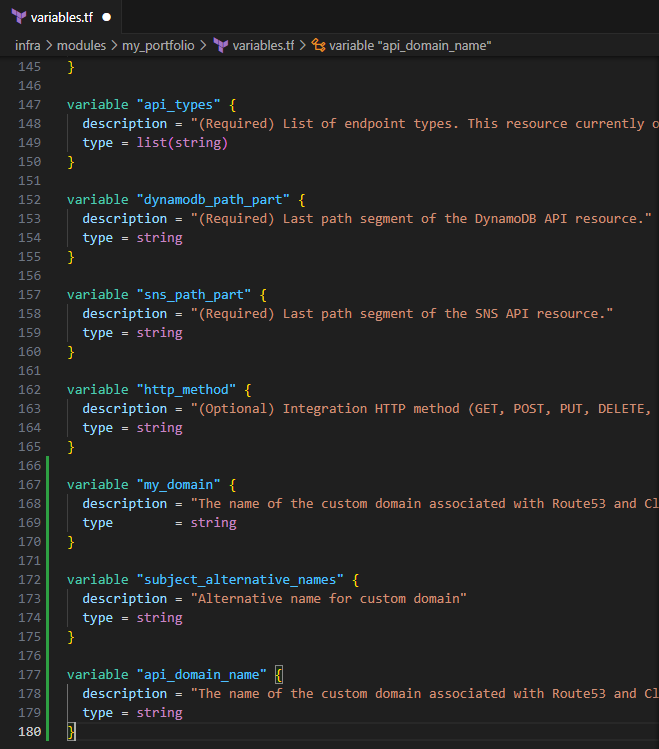
Input the following to define the input variables for this module
  variable "my_domain" {
    description = "The name of the custom domain associated with Route53 and CloudFront"
    type        = string
  }

  variable "subject_alternative_names" {
    description = "Alternative name for custom domain"
    type = string
  }

  variable "api_domain_name" {
    description = "The name of the custom domain associated with Route53 and CloudFront"
    type = string
  }
Save the file
data.tf
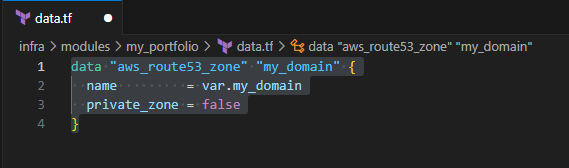
Input the following to define the data block for your domain
  data "aws_route53_zone" "my_domain" {
    name         = var.my_domain
    private_zone = false
  }
Save the file
Modifying ./infra/main.tf
Input the following to define the input variables for the my_portfolio module
  my_domain = "YOUR_DOMAIN_NAME"
    api_domain_name = "YOUR_API_DOMAIN_NAME"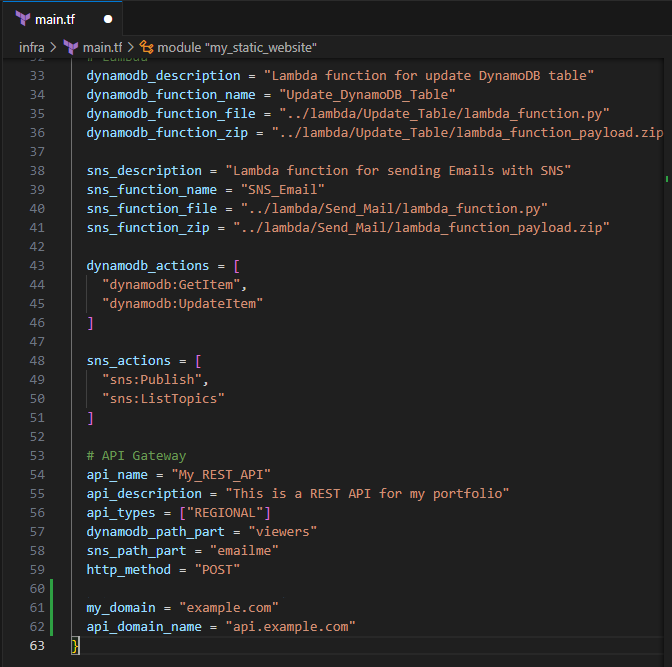
Save the file
Updating JavaScript files
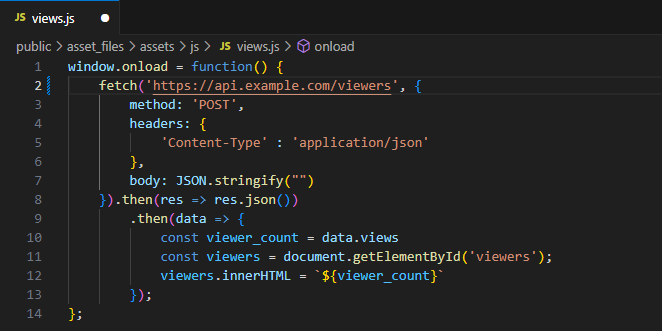
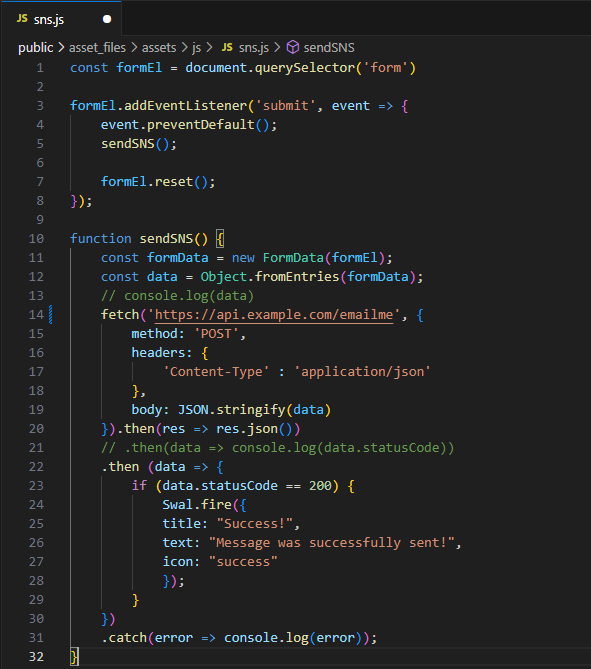
In this section, you will update your JavaScript files to include your new API Gateway custom domain.
views.js
Update your JavaScript file to include your new URL
Save the file
sns.js
Update your JavaScript file to include your new URL
Save the file
Pushing to GitHub
Ensure your files are saved.
In your IDE Terminal, type the following:
git add .
Add all files that were changed.
git commit -m "Created ACM certificate and Route53 entries for API Gateway and CloudFront"
Commit the changes with a comment.
git push
Push to GitHub.
Create Pull Request
Login to GitHub.
You should see the push on your repository.
Select Compare and pull request.
Validate the changes that were made to be pushed to
mainSelect Create pull request.
Your Terraform Plan should run before you can merge to main.
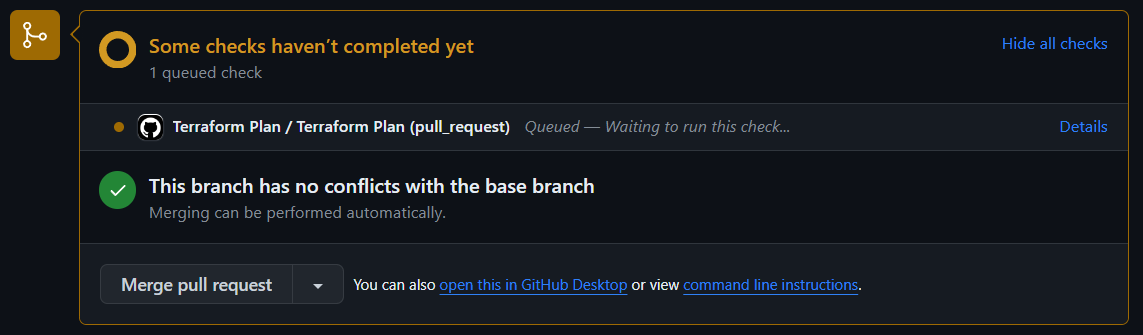
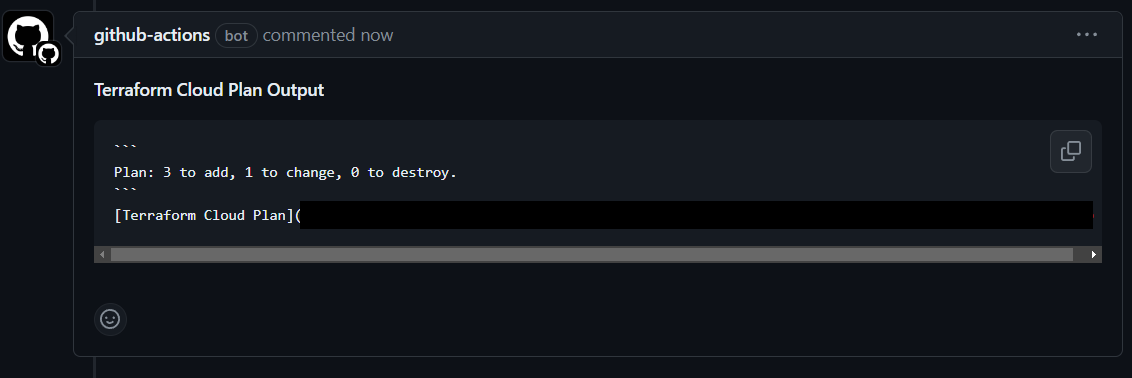
Note: My plan outputs will be different due to having an already existing ACM certificate.
Select Merge pull request > Confirm merge.
Delete branch.
In your IDE Terminal, type the following:
git checkout main
git pull
Validation:
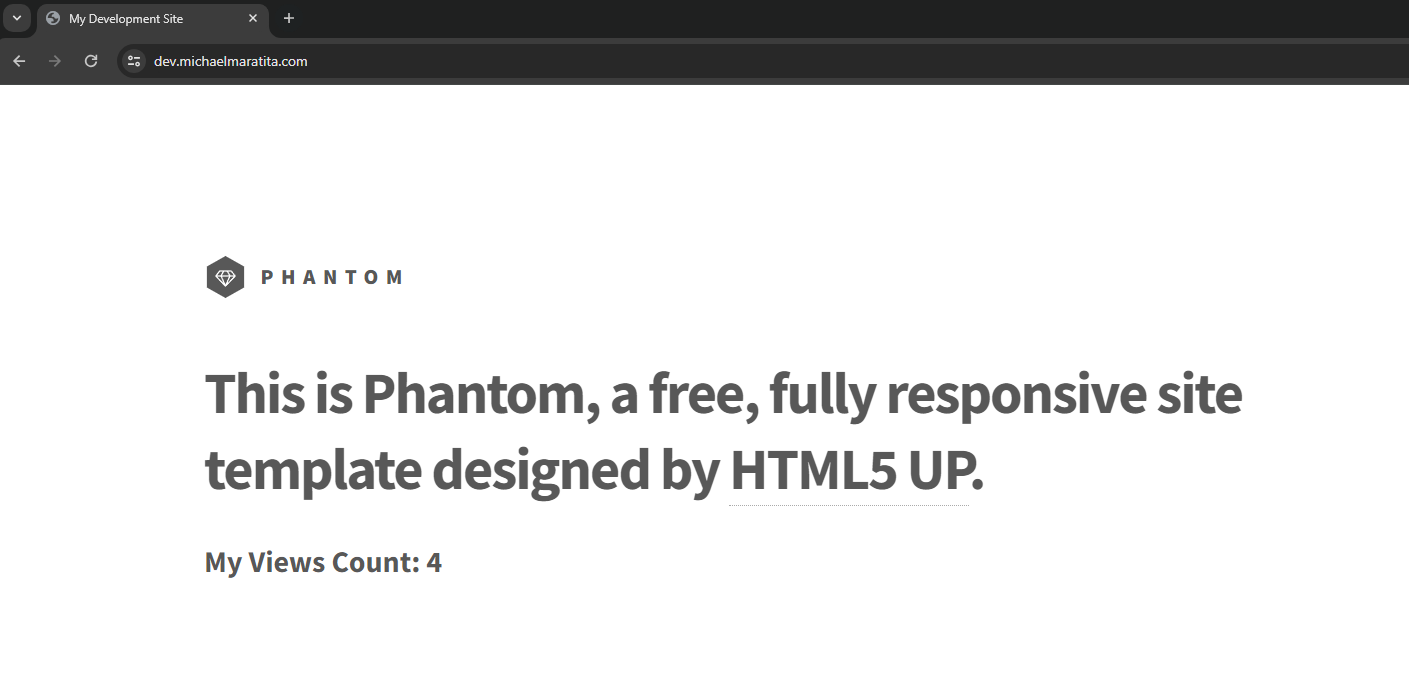
Visit your custom domain
Validate your Viewer Count populates with a value
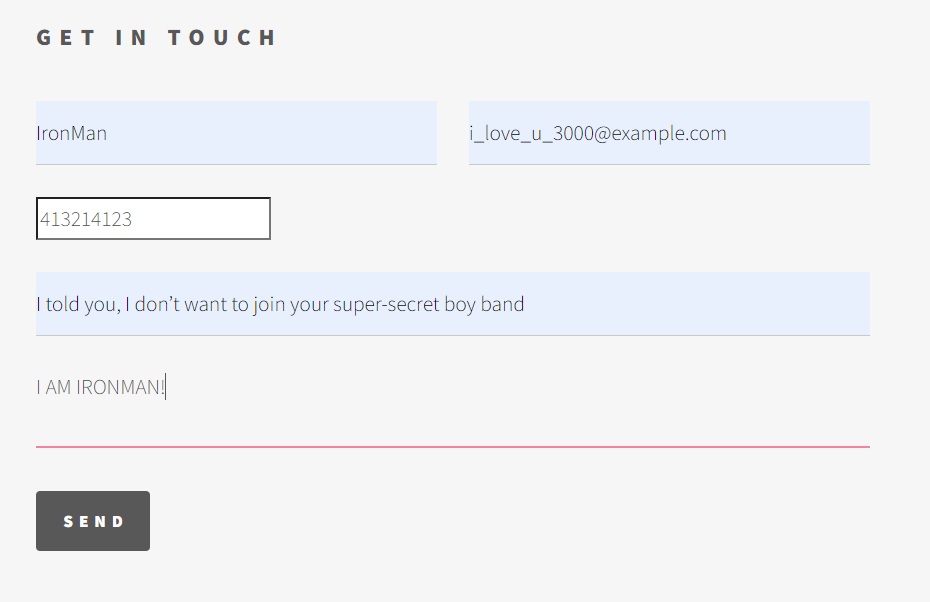
- Test your SNS functionality and ensure you are able to receive emails
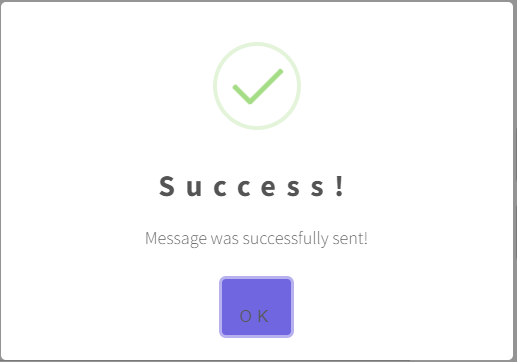

You have successfully implemented all aspects of deploying a mirror image of my Cloud Portfolio website!
About the author
I am a Sr. Windows Administrator looking to sharpen my skills within the cloud space. This blog serves not only as a guide for others to use but also to document my cloud journey.
Comments
Join the discussionNo comments yet. Be the first to comment.
AWS Cloud Resume
In this series, I will outline the steps to integrate a fully functional serverless website hosted on CloudFront using Amazon S3. The implementation deployment will be through Terraform.